
2025-11-20
vanguard, valorant, van, restriction
The following explains how to fix the issue where the Vanguard anticheat of Valorant game displays a “UEFI Secure Boot Failed” error on some PCs.
- If you get a "VAN RESTRICTION 2" error message "UEFI Secure Boot verification failure" (Figure 1)
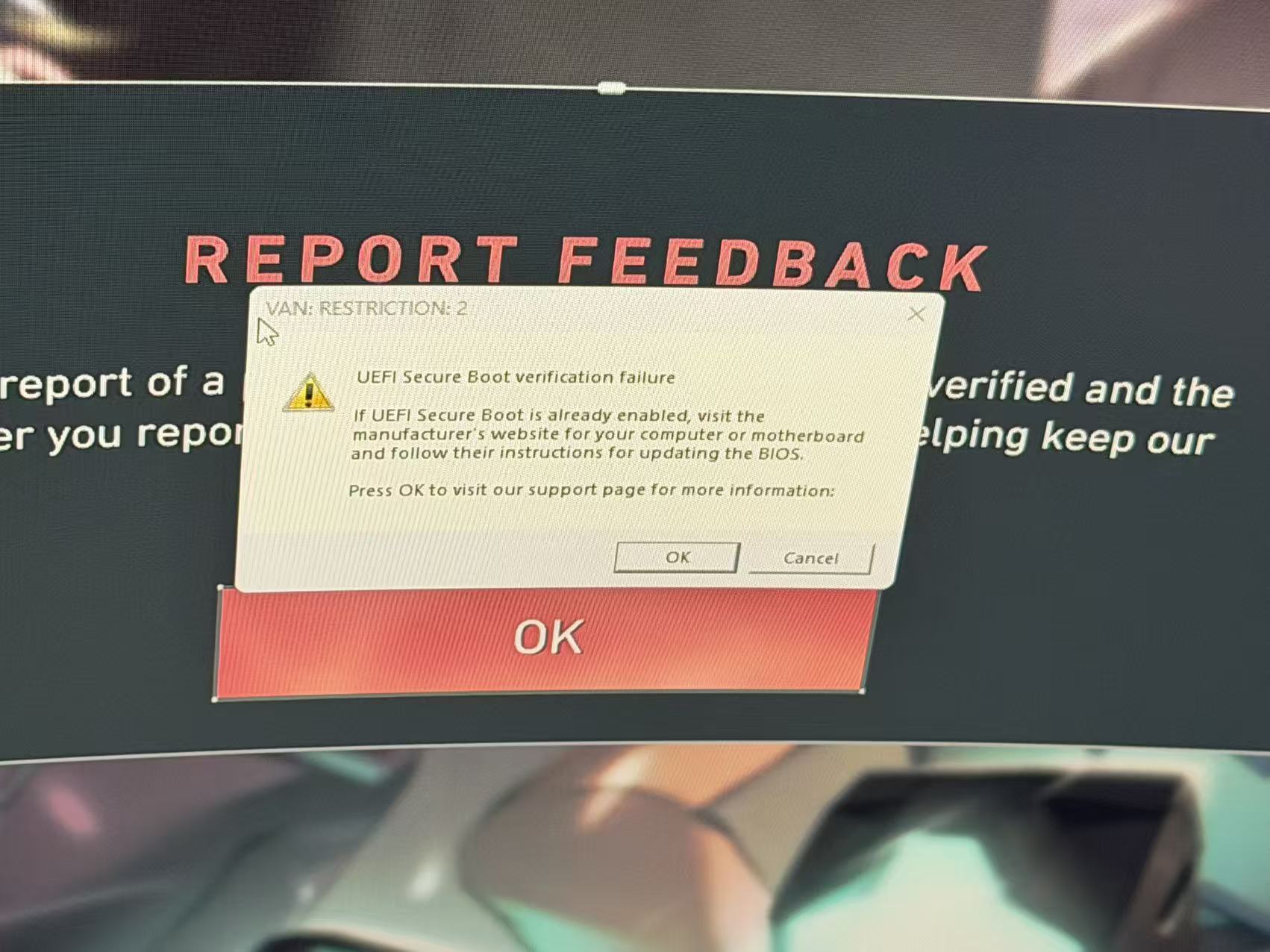
Figure 1
- To resolve this, you need to import the V2 certificate directly into the BIOS, rather than using a MOK.
- If you have MSI motherboard Navigate to Settings > Security > Secure Boot.
Set Secure Boot Mode to Custom, then set Secure Boot Preset to Maximum Security. - If Vanguard does not start, open services.msc, find the vgc service, and set it to Automatic Startup.(Figure 2)
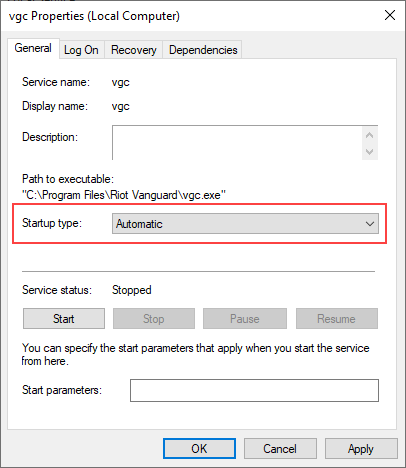
Figure 2
- Once done the client PC will not show the error message again.
- Tested on MSI PRO H610M-E DDR4