
2026-06-21
riot, vanguard, update, issue
The following explains how to resolve the stuck update issue for Riot Games launcher on client PCs, if the game is updated on server.
- Enable super client for Image disk and turn on PC.
- On client PC open C:\Program Files\Riot Vanguard and click on installer.exe (Figure 1).
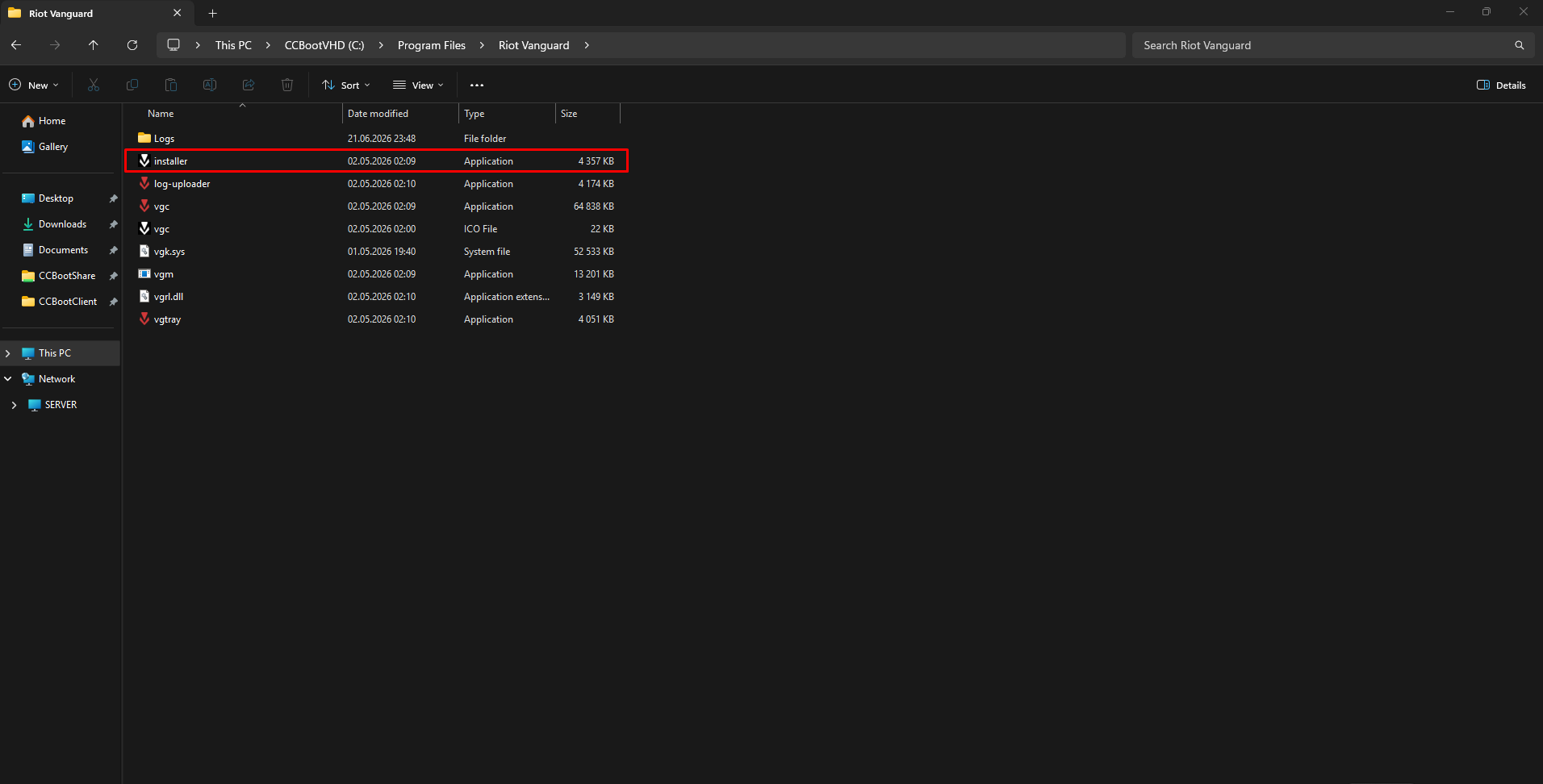
Figure 1
- Click on Yes to uninstall Vanguard from PC (Figure 2)
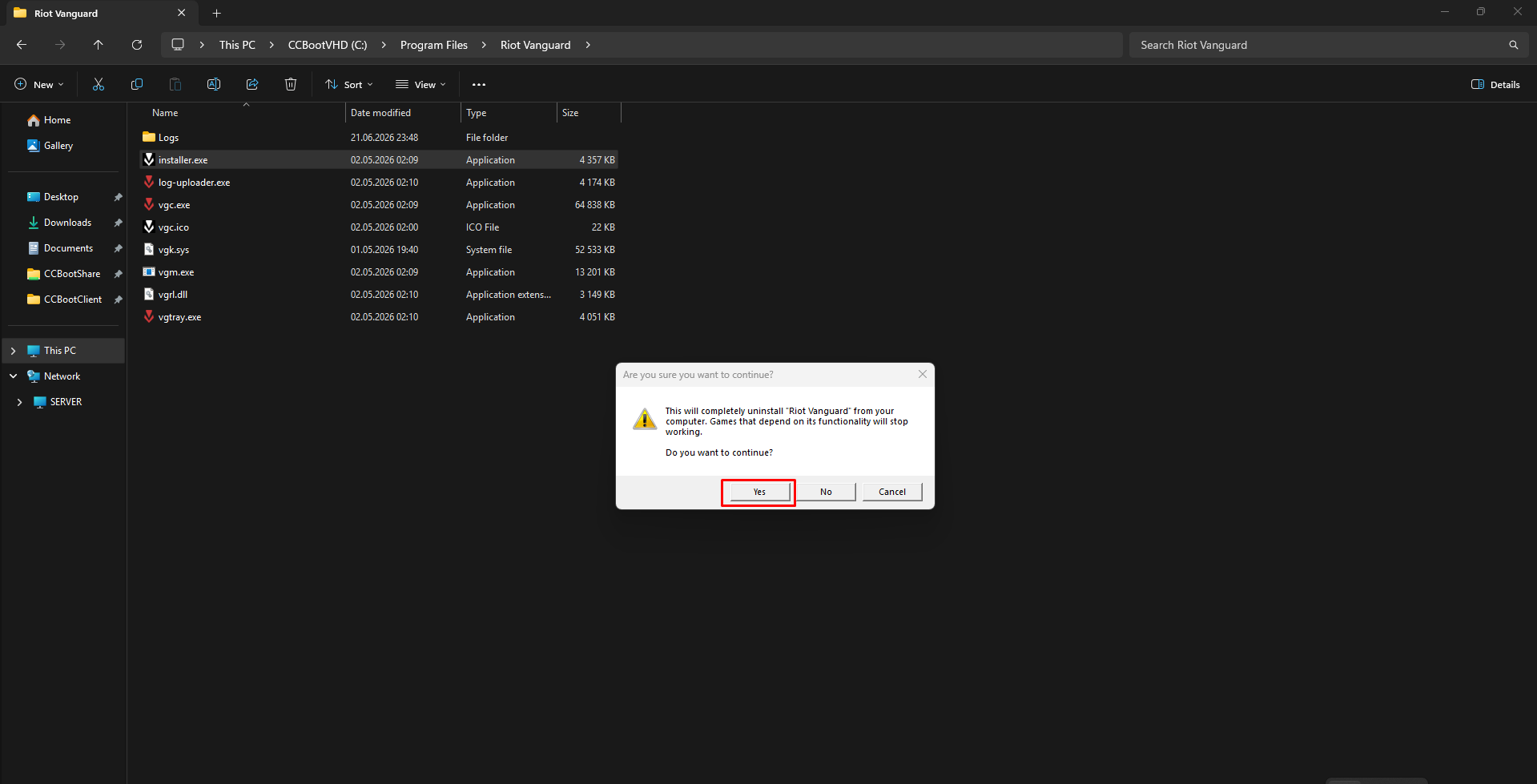
Figure 2
- After files are uninstalled from the folder, open Riot Games and login to account, then click update the game once again. (Figure 3 & 4)
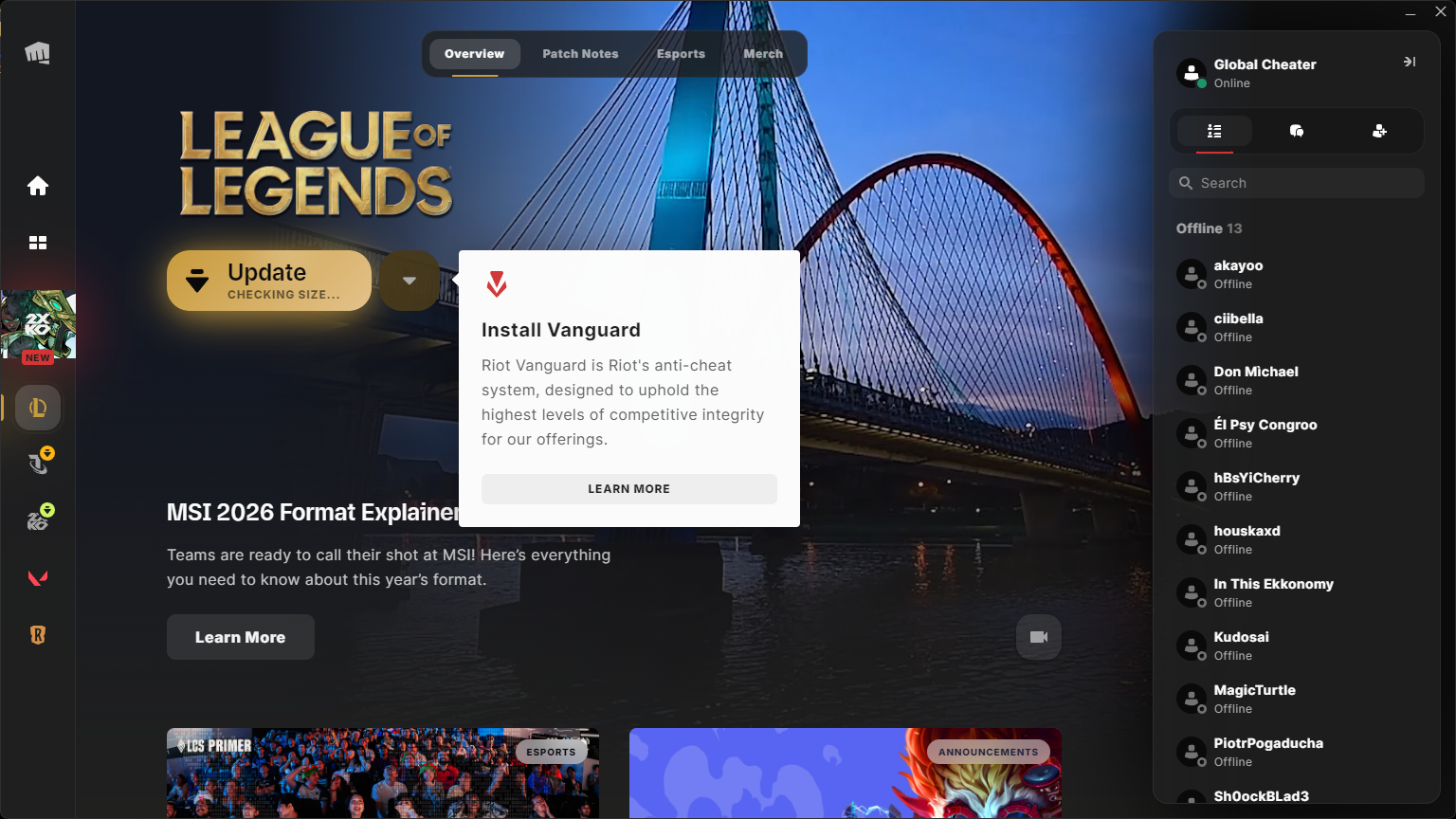
Figure 3
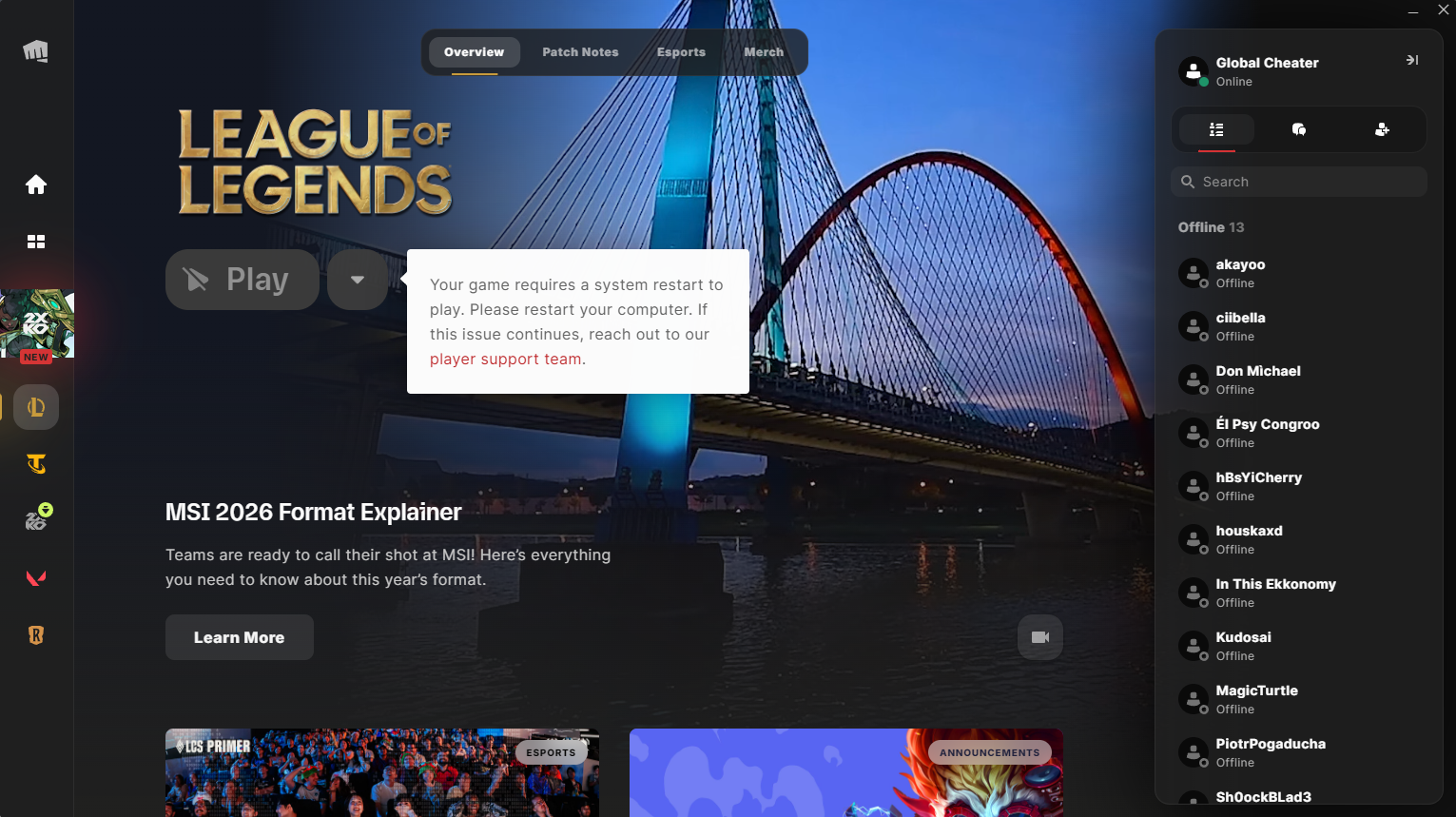
Figure 4
- When the update is complete, restart the client PC.
- After restart, shut down client PC and save the image by disabling super client.