
2026-05-07
mobile, games, pubg, gameloop
The following explains how to fix the issue where PUBG Mobile automatically closes shortly after starting to load by clearing the game cache.
- When the game is automatically closed shortly after start loading means there is some problem with the cached files
- To fix this problem, open the settings in GameLoop, go to Storage, locate PUBG Mobile, and click ‘Clear Cache.’ (Figure 1)
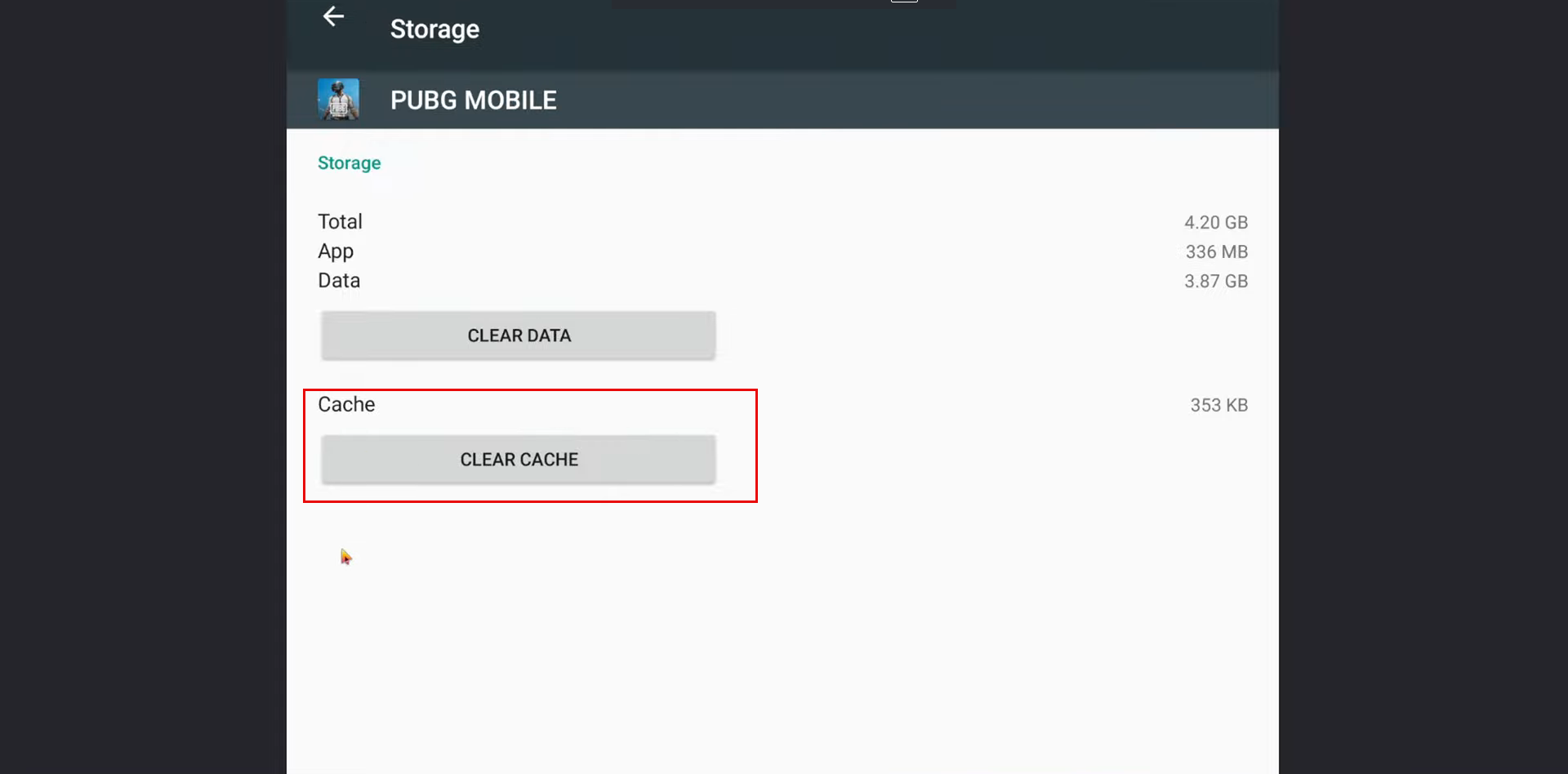
Figure 1
- It is also recommended to uninstall Facebook and Google Play Games if clearing the cache alone does not resolve the issue
- Follow the video below for more detailed instructions
GameLoop 64 Bit Crash Fix (PUBG Mobile) | Loading Screen Freeze Fix 2026