
2026-03-18
pubg, steam, black screen
The following explains how to fix the black screen problem when launching PUBG from Steam.
- Someone launched PUBG directly on the server using the server’s Steam account, causing file corruption or permission changes that prevent clients from launching properly.
- Uninstall PUBG via Steam.
Manually delete the remaining PUBG folder from:
steamapps\common\PUBG
Reinstall PUBG on the server. - After reinstalling, clients may experience a black screen on startup.
Fix by deleting the LoadingScreen files from the server’s PUBG installation:
Navigate to \Steam\steamapps\common\PUBG\Content and delete the LoadingScreen folder or its contents.(Figure 1)
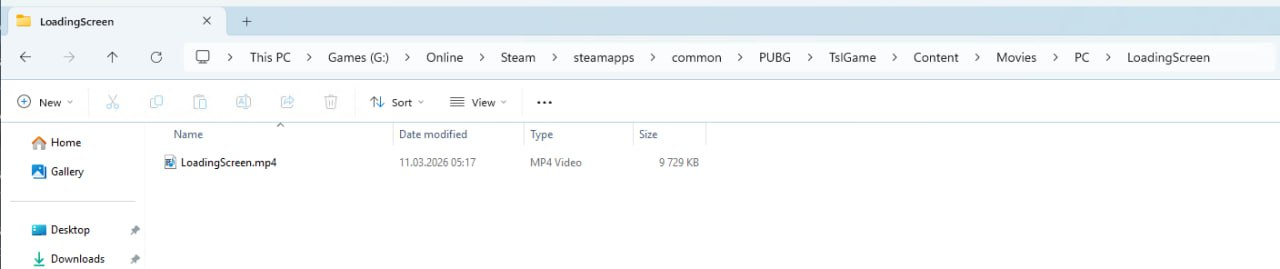
Figure 1
- The game launches correctly on the first try for all clients.