

If you encounter an error while connecting to the Epic servers, try resolving it by deleting the cache folder in the AppData directory.
- Error “An error occupied while connecting to Epic servers’ (Figure 1)

Figure 1
- Press the Windows key + R to open the Run dialog.
- Type %localappdata% and press Enter to open File Explorer.
- Navigate to the EpicGamesLauncher folder, then open the Saved folder.
- Right-click and delete any of the following files that are present: (Figure 2)
- webcache
- webcache_4147
- Webcache_4430
(You may find one, two, or all of these files.)
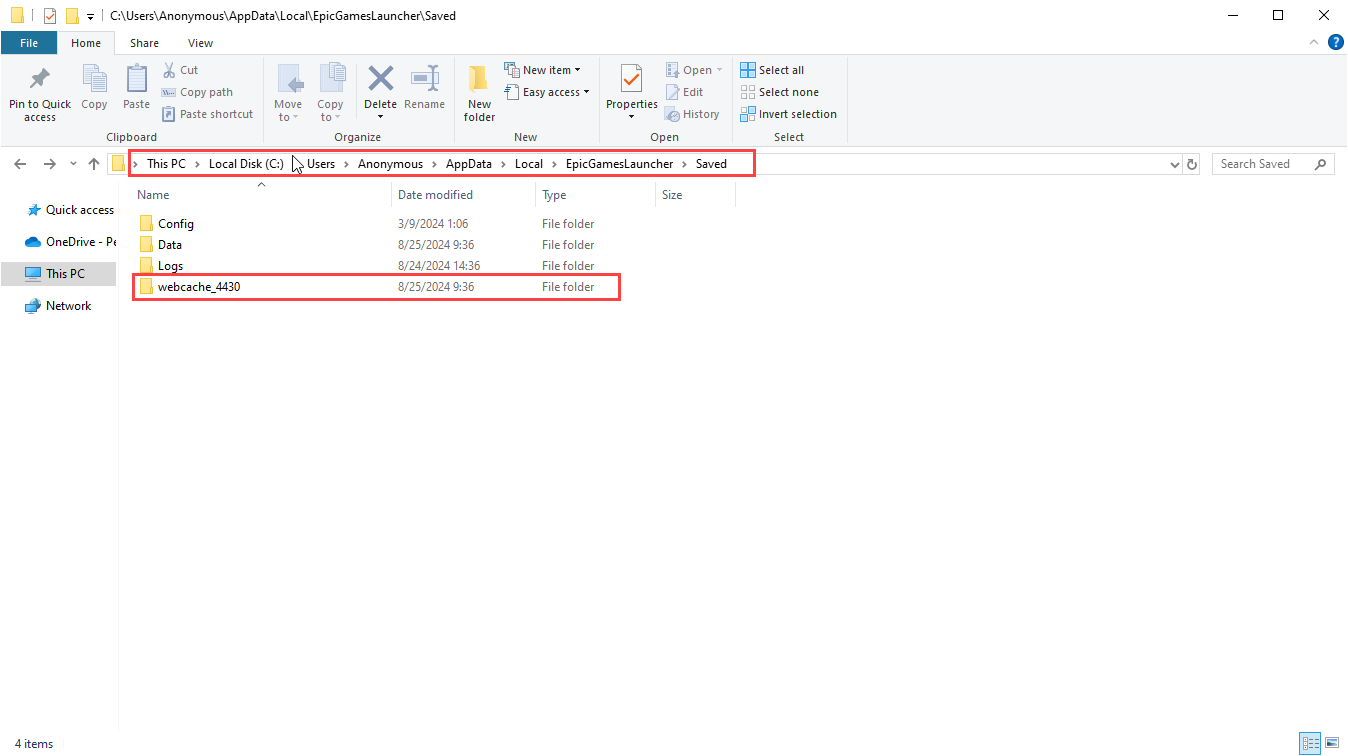
Figure 2