

Diskless + iCafe Billing + iCafe Menu
CCBoot Internet Cafe Software Solution
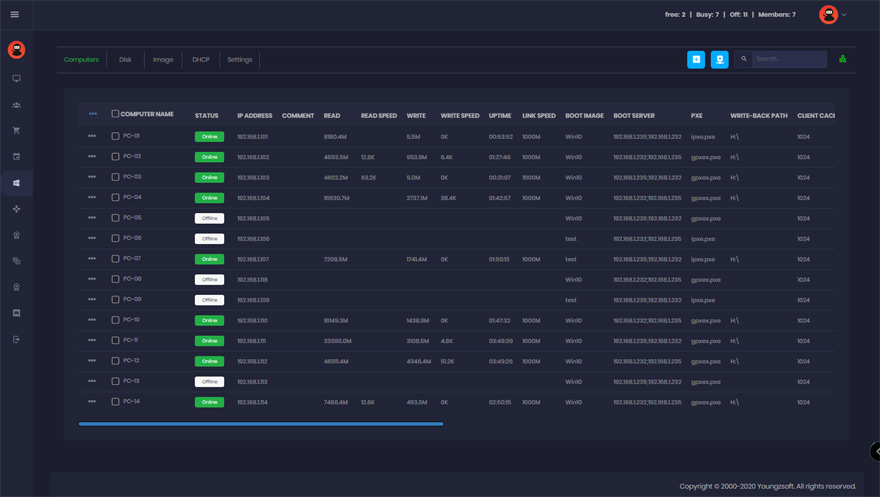
Internet cafe software — also called cyber cafe software — that runs every gaming PC from one server. Each PC returns to a clean system after every reboot, stays clear of viruses and trojans, and gets updates with a single click, while iCafeCloud adds billing and the iCafeMenu game menu.
- customers
- 30,000+
- countries
- 90+
- building diskless software
- Since 2000
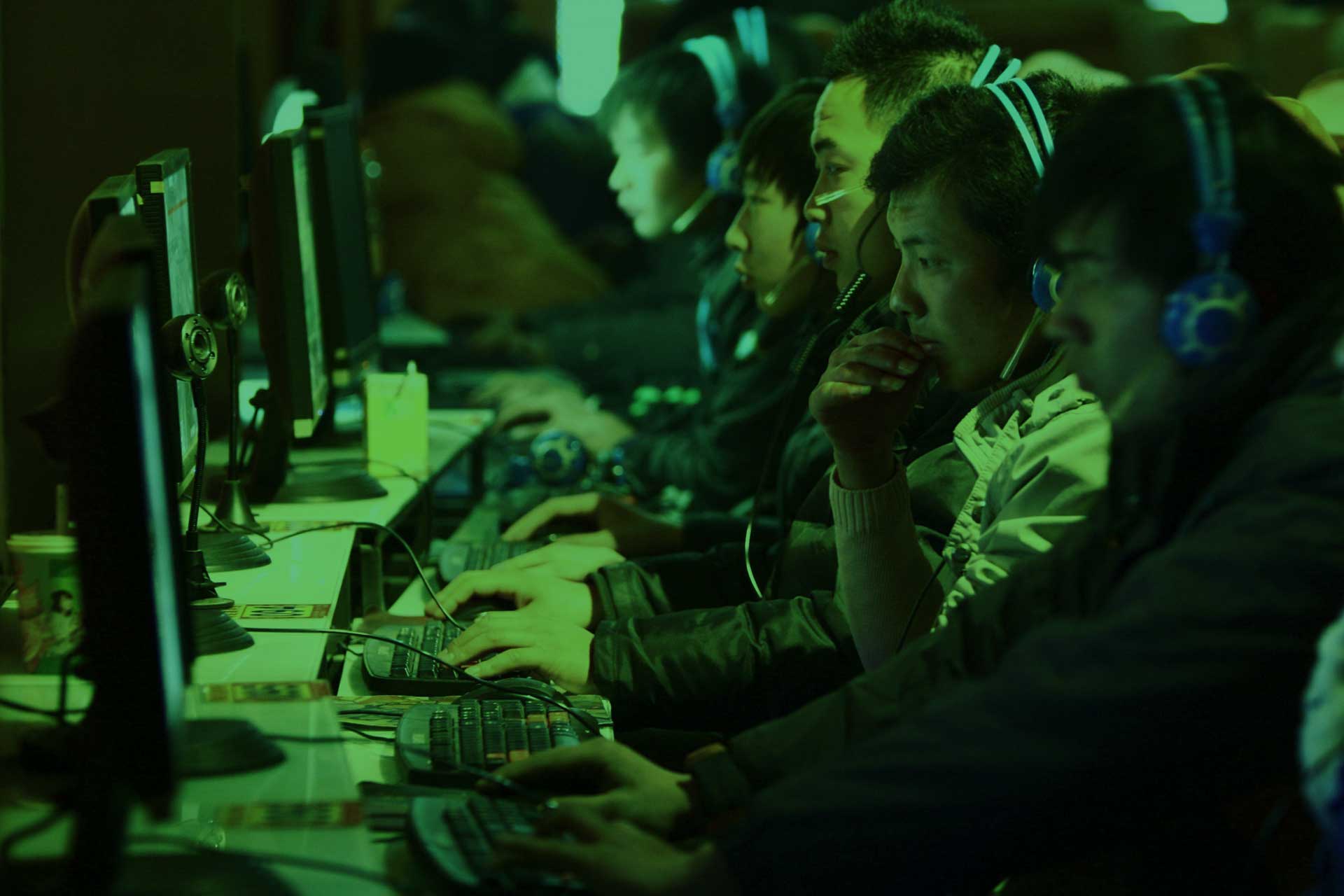
Make cyber cafe easy
Not only for net cafes — the same diskless solution runs schools and offices too.
Diskless
With CCBoot there is no need for HDDs in the client PCs, so plenty of hard disk expenses can be saved.
Easy to update
The network admin updates one client PC, and then all the PCs on the LAN are updated.
Clean system after every reboot
Every PC restores a clean system after each reboot and stays clear of viruses and trojans.
One game disk for every seat
Games live on the server’s game disk. Patch a game once and every PC has it on the next session.
RAM and SSD cache
Hot game files are served from server memory and SSD cache, so a full room loading the same title stays fast.
One image for all specs
The PnP function lets a single image boot PCs with different hardware.
iCafeCloud: billing, game menu and tournaments
Install iCafeCloud Server on the CCBoot server and it works in diskless, Hybrid and CCDisk rooms alike.
iCafeCloud Billing
Cloud billing, session control and member management for gaming centers.
iCafeMenu
The player-facing launcher: game menu, announcements and one-click login. Games are auto-updated and game saves are kept centrally.
Game Tournament
Run esports events with automatic scoring, leaderboards and coin prizes.
Works with the billing software you already use
CCBoot works well with many iCafe billing programs, such as SmartLaunch, CafeSuite, Cyber Cafe Pro, Easy Cafe, PC Time Logger, Timer Professional, CMS, Cafemanila, Krisancafe, Antamedia, Truecafe, CyberPlanet.
Already running one of them? Keep it — CCBoot only takes over how the PCs boot and get their games.
- Billing client installed once on the image, present on every PC
- Auto game update with iCafe Menu, without configuring each game again
- Game saves centralized for your members
Watch it in action
Success stories
Look what our clients are saying about CCBoot.


Are you ready to give CCBoot a try?
It only takes a few minutes to give CCBoot a try — you’ll be glad you did. Start your free trial today.
Start Your FREE Trial TodayDocumentation
Step-by-step guides from the CCBoot wiki.
- Super clientInstall or patch once and roll it out to every gaming PC.
- Game disk updatesUpdate one game disk and publish it to every PC.
- CCDisk and iCafeCloud setupBilling and iCafeMenu on the same server.
- Disk cache settingsRAM and SSD cache for a full room loading the same game.
- Server requirementsServer sizing for your number of seats.
- Client requirementsWhat a gaming PC needs to boot diskless.
- CCBoot vs CCDiskFull diskless or a shared game disk only.
- CCBoot HybridBoot from each PC’s SSD with one central image.
Common questions
Which billing software works with CCBoot?
How are games updated?
Our PCs already have SSDs. Do we have to remove them?
Does it work for schools and offices too?
Are You Ready To Give CCBoot A Try?
It only takes a few minutes to give CCBoot a try… (You’ll be glad you did)