

Diskless boot since 2000
Diskless Boot & PXE Boot Software
for Internet Cafes and Enterprises
Boot Windows 10 and Windows 11 over the LAN from a single server — no hard drives in the client PCs. Update every machine with one click, and wipe every infection on every reboot.
Trusted by businesses worldwide
- 30,000+
- Customers Worldwide
- 90+
- Countries Served
- 24/7
- Technical Support
What Is CCBoot?
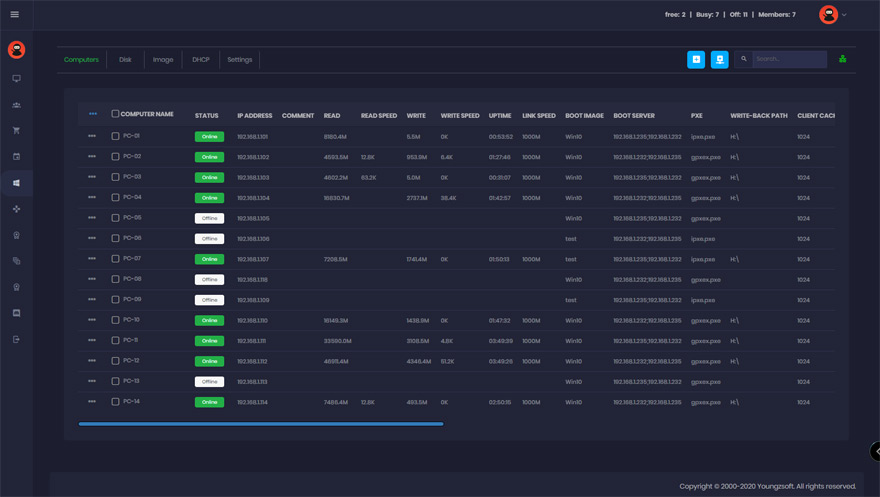
CCBoot is a diskless boot system that will make all of your PCs like new after every single reboot. This means, no more worrying about Spyware, Viruses, and Trojans. Every single time a PC is rebooted, it’s wiped clean, leaving you with the feeling of a fresh install after every restart. Your computers are safer AND they run faster.
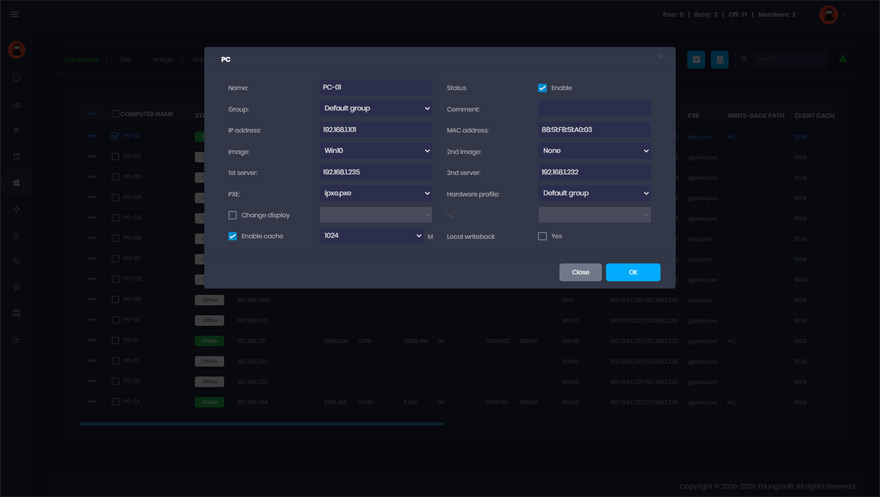
But, that’s not all… You can update all of your PCs with a single click of your mouse, saving countless hours. Have a piece of software you want to deploy across ALL of your PCs? No problem… Simply install on your “master” computer, reboot the rest of the PCs, and voila! You’re done!
CCBoot makes managing multiple PCs fast and easy.
What you get
- PXE and iSCSI boot over plain Ethernet
- One master image for every client PC
- Windows 10, 11 and Server 2019/2022
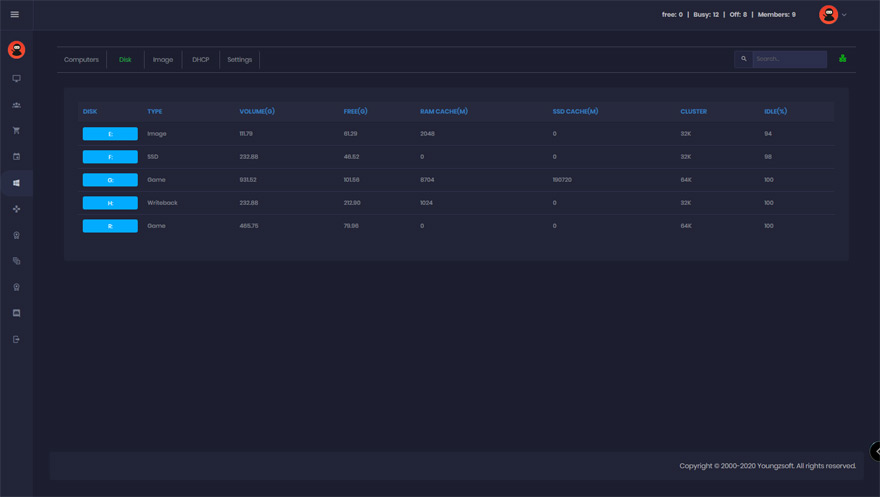
- RAM and SSD caching for fast boot
- Shared game disk and game updates
- Load balance and server redundancy
Why You Need CCBoot
Save Time
Install software or updates on your “master” computer, reboot the rest of your PCs, and you’re done… Install software and updates across hundreds of computers in MINUTES… not hours or days. ONE person can run your entire network of PCs with ease.
Save Money
CCBoot eliminates the need for a hard drive on a majority of your computers. This can save you THOUSANDS of dollars… Not to mention, time is money, and you’ll save a fortune with all the time you save when you use CCBoot. Tasks that used to take hours, now take just minutes.
Make Your Network MORE Secure For Users
After every reboot, the system will be restored and completely wipe out ANY viruses, spyware, and Trojans. This means less downtime, and a much safer environment for your users.
Your Computers Run Faster
Spyware and registry errors often slow computers down, but all you have to do to restore a computer to its “like new” state is a simple reboot… No more complicated troubleshooting or software that doesn’t ever seem to work. Now a simple restart is all you need.
Who Needs CCBoot?
CCBoot is widely used by:
- 01Internet Cafes
- 02Apartment Communities or Hotels with “Business Centers”
- 03Companies With Multiple Computers
If you have multiple computers, and you want to save time and money, and make your entire network more secure, CCBoot is for you.
Diskless solutions by industry
- Schools & Education Every lab PC back to a clean state on reboot; deploy software once.
- Enterprise & Office Centralize workstation images and cut desktop support to a fraction.
- Thin Client Full Windows performance on diskless clients, no special hardware.
- Render Farm Every render node on the same image and the same plugin versions.
CCBoot vs. Traditional Setups
See how diskless boot compares to running local hard drives or thin clients.
| Feature | CCBoot Diskless Boot | Local Hard Drive | Traditional Thin Client |
|---|---|---|---|
| Hard drive required per PC | No | Yes | No |
| Supports Windows 10 / 11 | Full support | Yes | Limited |
| Update all PCs with one click | Yes | No | Partial |
| Auto-restore PC on every reboot | Yes | No | No |
| Runs full PC games (AAA titles) | Yes | Yes | No |
| Reduces hardware cost | Significant | High cost | Yes |
| Managed by one person | Yes | Time-intensive | Yes |
Success Stories
Look what our clients are saying about CCBoot.



Frequently Asked Questions
What is a diskless boot system?
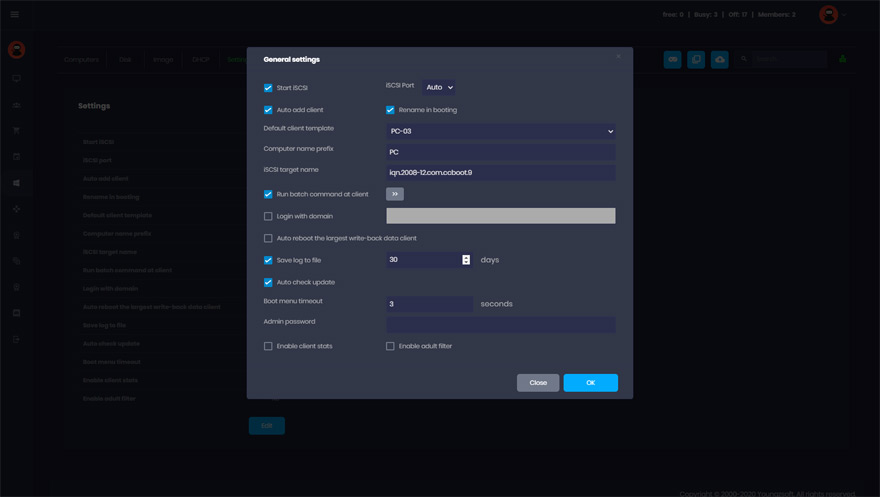
A diskless boot system allows PCs to start up over a network from a central server instead of a local hard drive. CCBoot uses iSCSI and PXE protocols to deliver the operating system image to each client PC, eliminating the need for individual hard drives.
How does PXE boot work?
PXE (Preboot Execution Environment) boot works by having a client PC request a boot image from a server over the LAN using DHCP and TFTP protocols. CCBoot extends this with iSCSI to stream a full Windows OS image — enabling each PC to run as if it has its own local disk, while all data lives on the server.
Does CCBoot support Windows 10 and Windows 11?
Yes. CCBoot fully supports Windows 10, Windows 11, and Windows Server 2019/2022. It is compatible with Secure Boot and modern UEFI firmware, making it suitable for current-generation gaming PCs and enterprise workstations.
How many PCs can one CCBoot server manage?
A single CCBoot server can manage hundreds of client PCs simultaneously. The exact capacity depends on your server hardware (RAM, NIC bandwidth, SSD/NVMe storage), but typical deployments in internet cafes range from 30 to 500+ seats per server.
Is diskless boot faster than a local hard drive?
When the CCBoot server is equipped with NVMe SSDs and a high-speed network (1Gbps or 10Gbps), diskless boot performance is comparable to — and often faster than — a local mechanical hard drive. Boot times are further reduced because the server caches frequently accessed disk blocks in RAM.
How does diskless boot protect PCs from viruses and malware?
Because client PCs boot from a read-only master image stored on the server, any changes made during a session — including malware infections — are discarded on every reboot. Every restart restores the PC to its clean, original state, providing built-in protection without relying solely on antivirus software.