

The following explains how to use Vanguard on Windows Server 2019, as the anti-cheat no longer supports Windows Server 2016 and 2019.
- If you encounter the error message “A critical error occurred and the process must be terminated” related to VGX.exe while using Windows Server 2016 or 2019, the issue is caused by Vanguard itself, as it no longer supports these operating systems. (Figure 1)
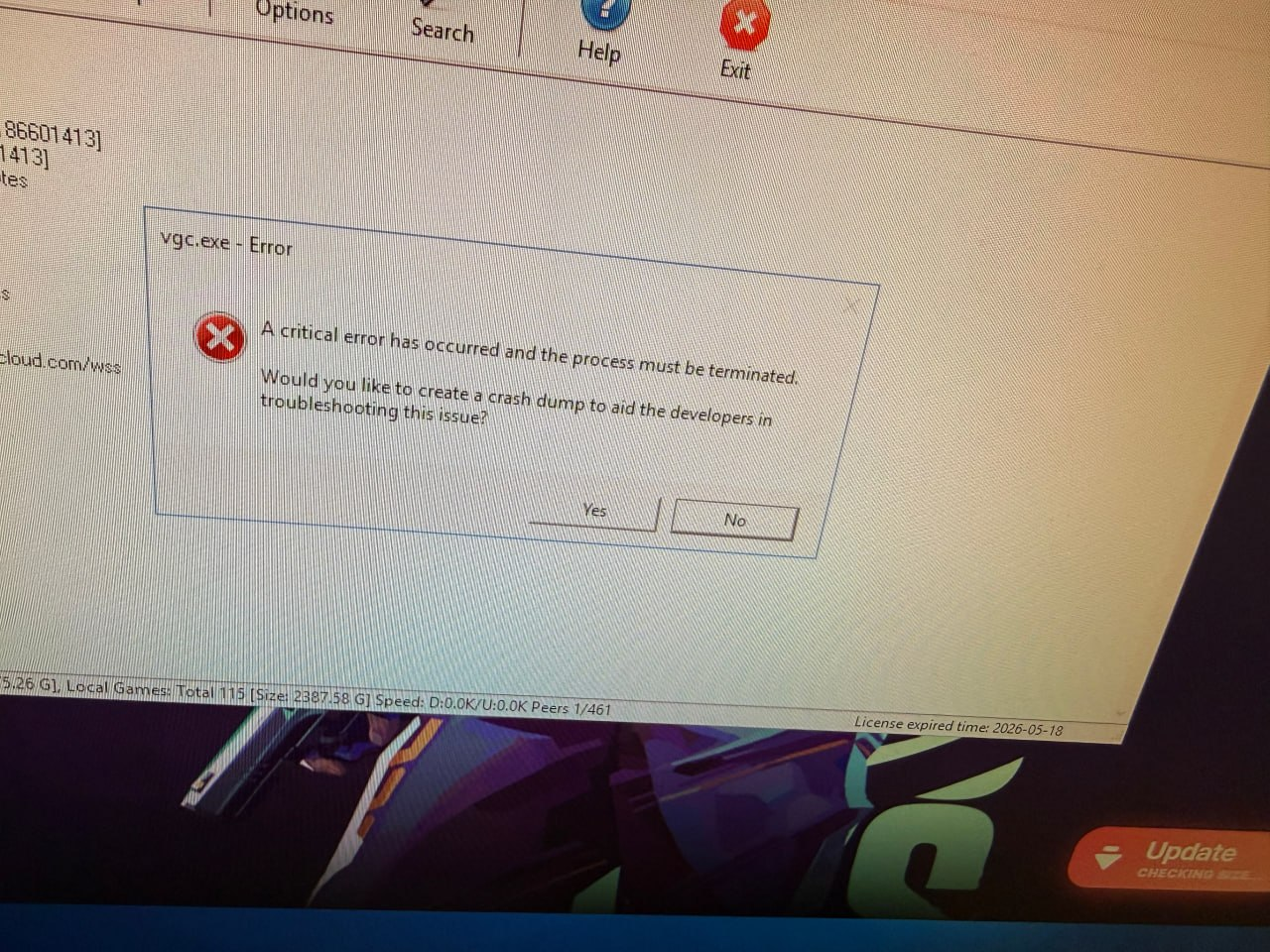
Figure 1
- Upgrade to newer windows version is time consuming so there is a workaround way
- Click the Vanguard icon in the Windows system tray and select Exit Vanguard.
- Then download Riot Vanguard from the provided link:
https://drive.google.com/file/d/1LxoXJ2n6yBq-1oaMxjZLR7qe-p6NSeLN/view?usp=sharing
https://disk.yandex.com.tr/d/DYspzmdPhAg3bA - Extract the files, copy them, and paste them into C:\Program Files\Riot Vanguard. If files already exist in that folder, replace them.
- Finally, restart the server so Vanguard can start working properly.
- You should repeat this process each time Vanguard releases a new update.