2026-01-14
steam, ui, dll, error
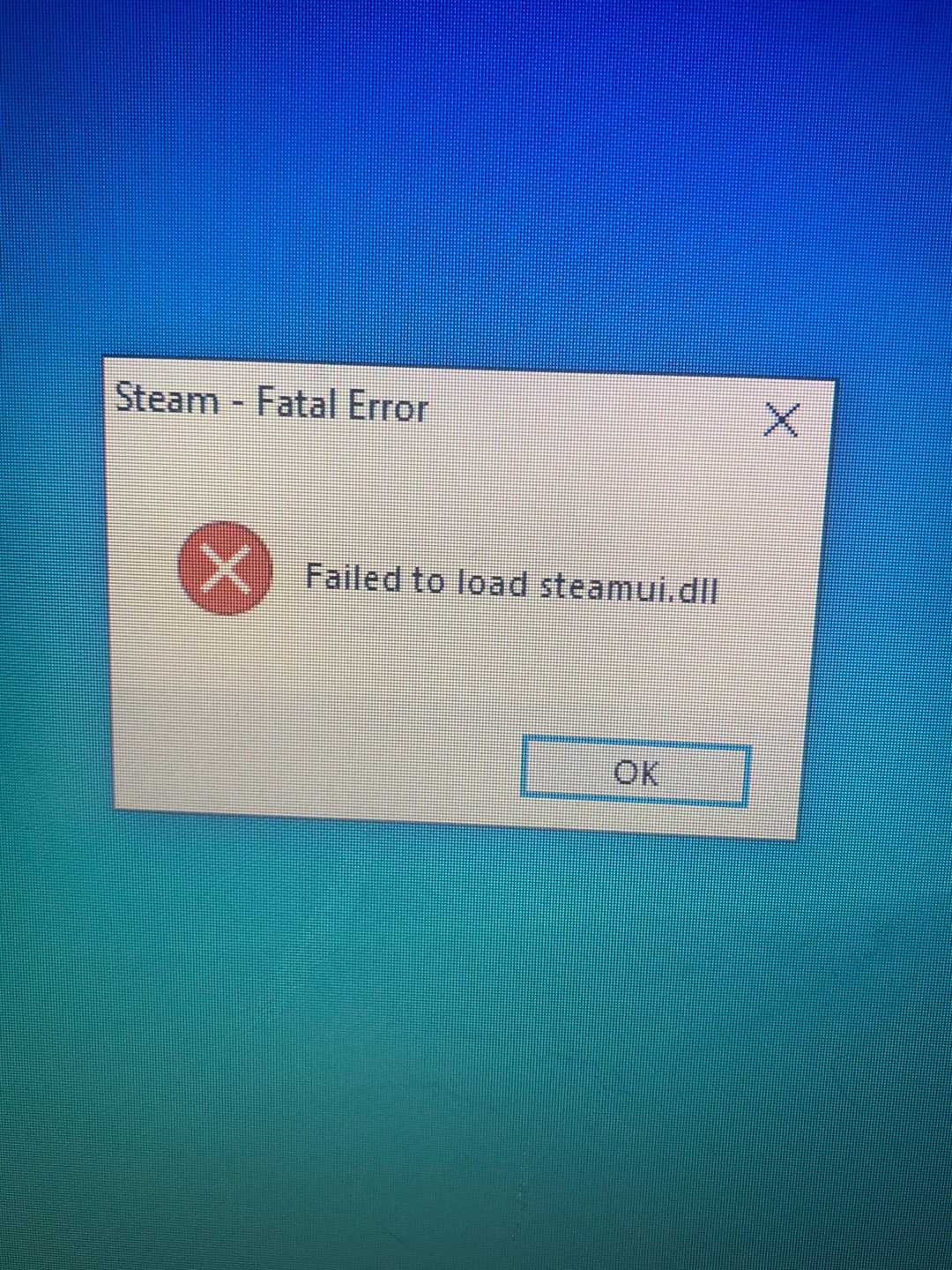
The following explains how to fix the steamui.dll error if the server PC shows the message “Failed to load steamui.dll.”
- Close Steam completely through the Task Manager to ensure it is not running in the background.
- Navigate to the Steam installation folder. This is usually at D:\Program Files (x86)\Steam.
- Inside the main Steam folder, locate the file named steamui.dll.
- Delete the steamui.dll file. You may be asked for administrator permission.
- Once the file is deleted, locate and run the Steam.exe file from the same folder to launch Steam.
- Steam will detect the missing critical file and automatically start downloading a fresh, verified copy of steamui.dll.
- Wait for the download and update process to complete. Steam should then launch normally.