
2026-02-24
vgk.sys, error, valorant
The following explains how to fix the error caused by valorant anticheat vgk.sys in other games as Apex
- If you encounter a vgk.sys error while launching games such as Apex Legends, you need to check and properly configure the system BIOS settings.(Figure 1)
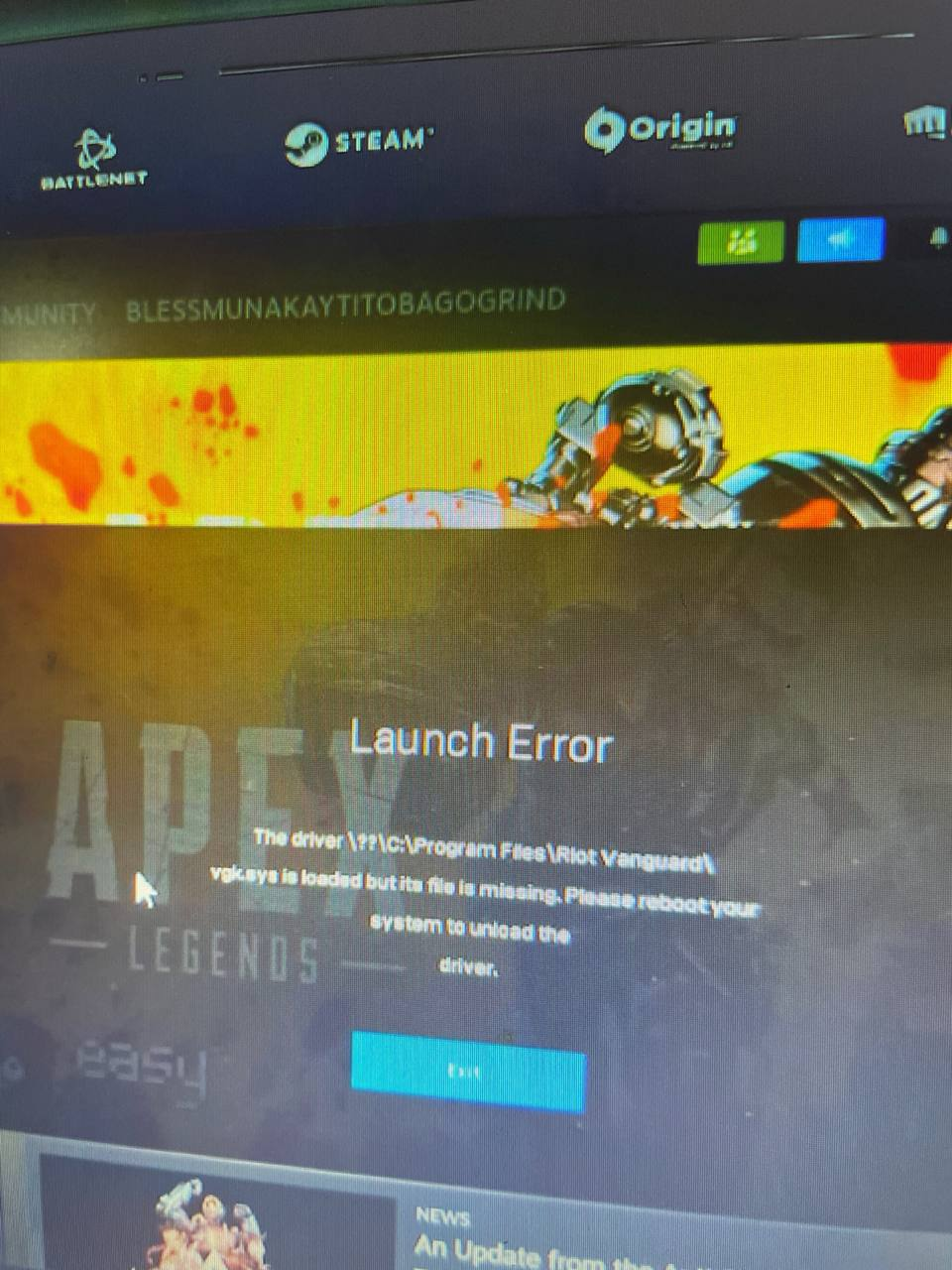
Figure 1
- Reset the BIOS to default settings.
- Import the Youngzsoftv2 certificate under the Secure Boot section.
- Save changes and reboot the system.
- Enter the BIOS again and locate the TPM 2.0 setting.
- TPM 2.0 is usually located under one of the following paths (depending on motherboard brand):
- Advanced → Trusted Computing
- Security → Trusted Computing
- Advanced → PCH-FW Configuration (Intel platforms)
- AMD fTPM Configuration (for AMD systems)
- Enable TPM 2.0 (sometimes listed as Intel PTT for Intel CPUs or AMD fTPM for AMD CPUs).
- Save the BIOS configuration and reboot the PC.