
2024-08-28
asus, uefi, secureboot, issue
The following guide explains how to resolve the blue screen error when booting ASUS motherboards. Some ASUS models require a specific BIOS update which can be either the latest or an older release to function correctly.
- If you encounter a blue screen with the stop code INACCESSIBLE_BOOT_DEVICE while booting an ASUS motherboard you must update the bios version. (Figure 1)
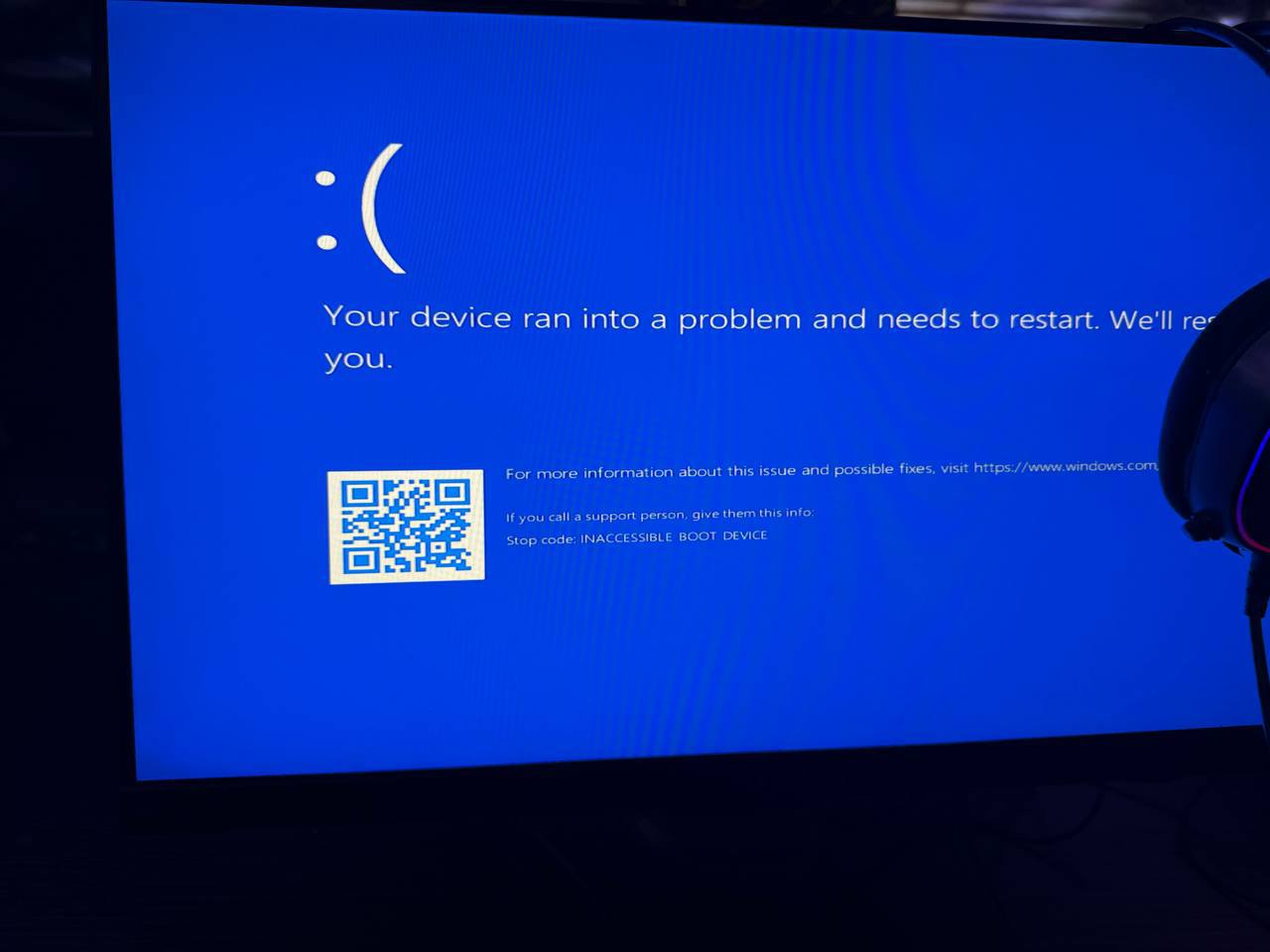
Figure 1
- Most ASUS motherboards have received BIOS updates to address this issue. If your board is already on the latest BIOS version and you still encounter this error, please contact our support team and report the problem. We will then request a new BIOS version from ASUS.
- This is a list of ASUS motherboards, along with BIOS versions that have been tested or reported by various sources as confirmed working.
ASUS b450mk2 + UEFI = BIOS version 0401 worked (Figure 2)
ASUS b450mk2 + UEFI = BIOS version 4403 doesn't work (Figure 3)
Video - B450MK2 Booting on CCBoot with UEFI
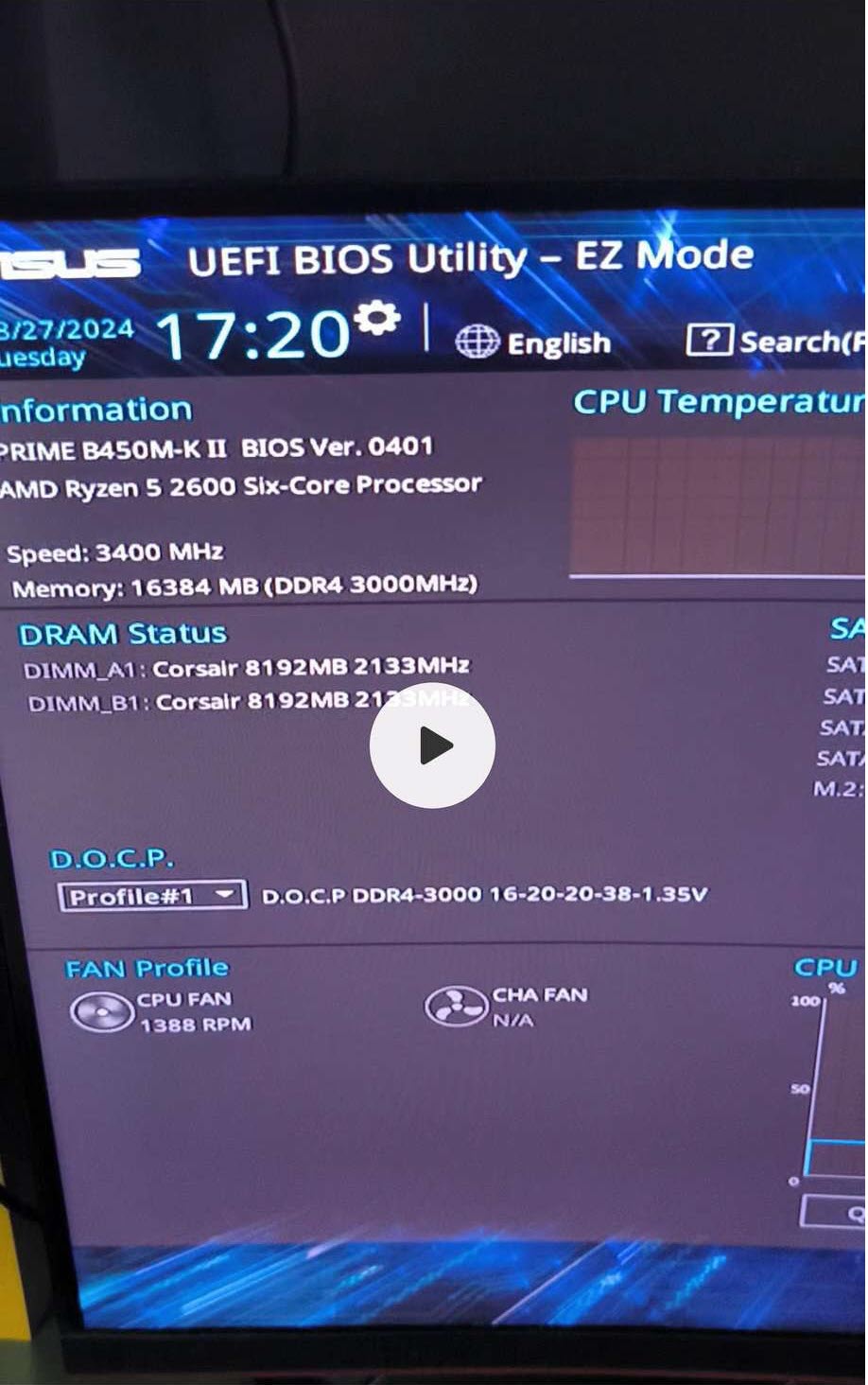
Figure 2
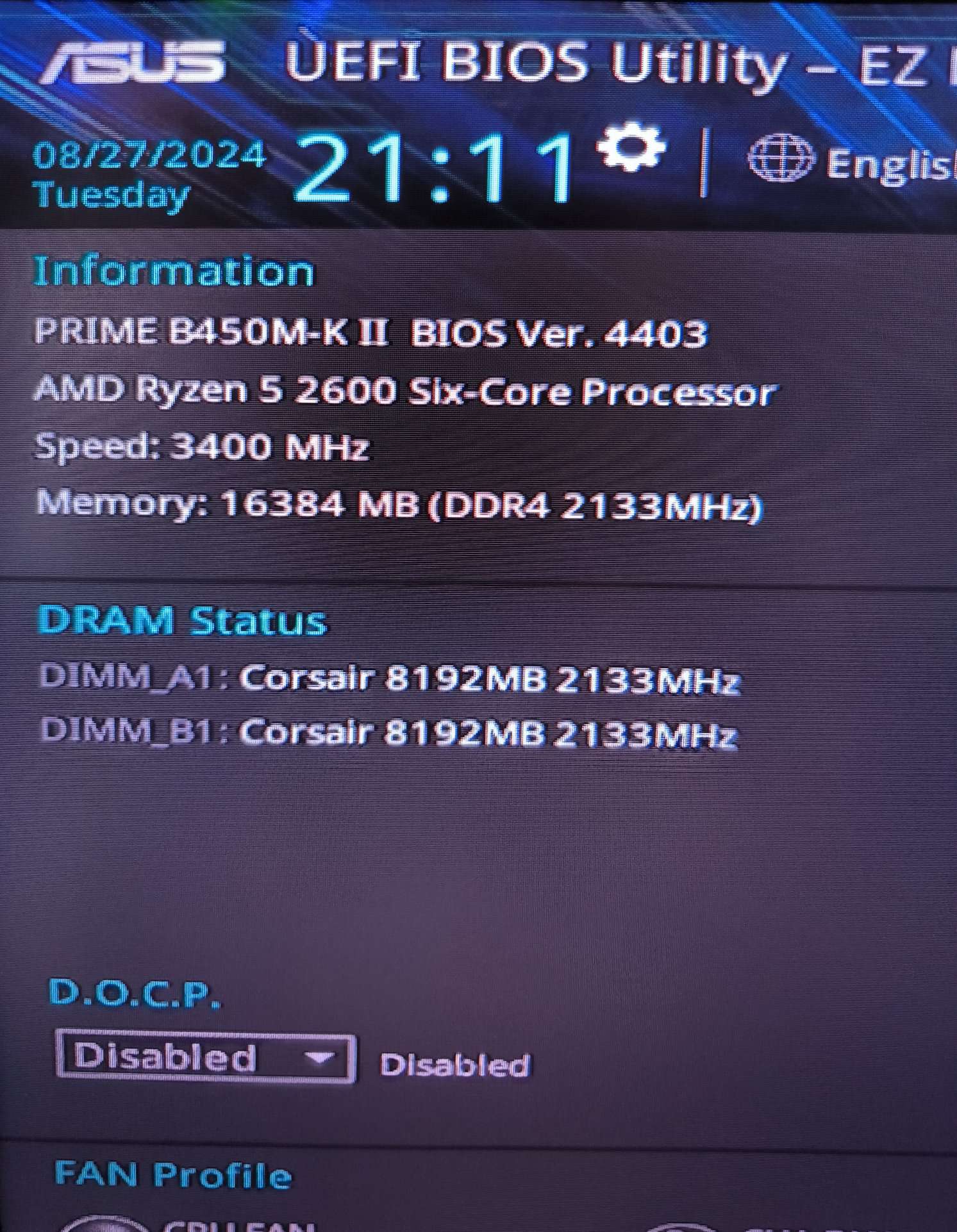
Figure 3
—---------------------------------------------------------------------------
- TUF B560 GAMING PLUS-WIFI +UEFI = BIOS version 2001 works