
2026-01-29
gpu, pnp, drivers, reset
The following explains how to reset the NVIDIA GPU driver when using GPU PNP.
- To reset the GPU PNP function, go to the Image settings, click Edit, and unselect GPU PNP (Figure 1).
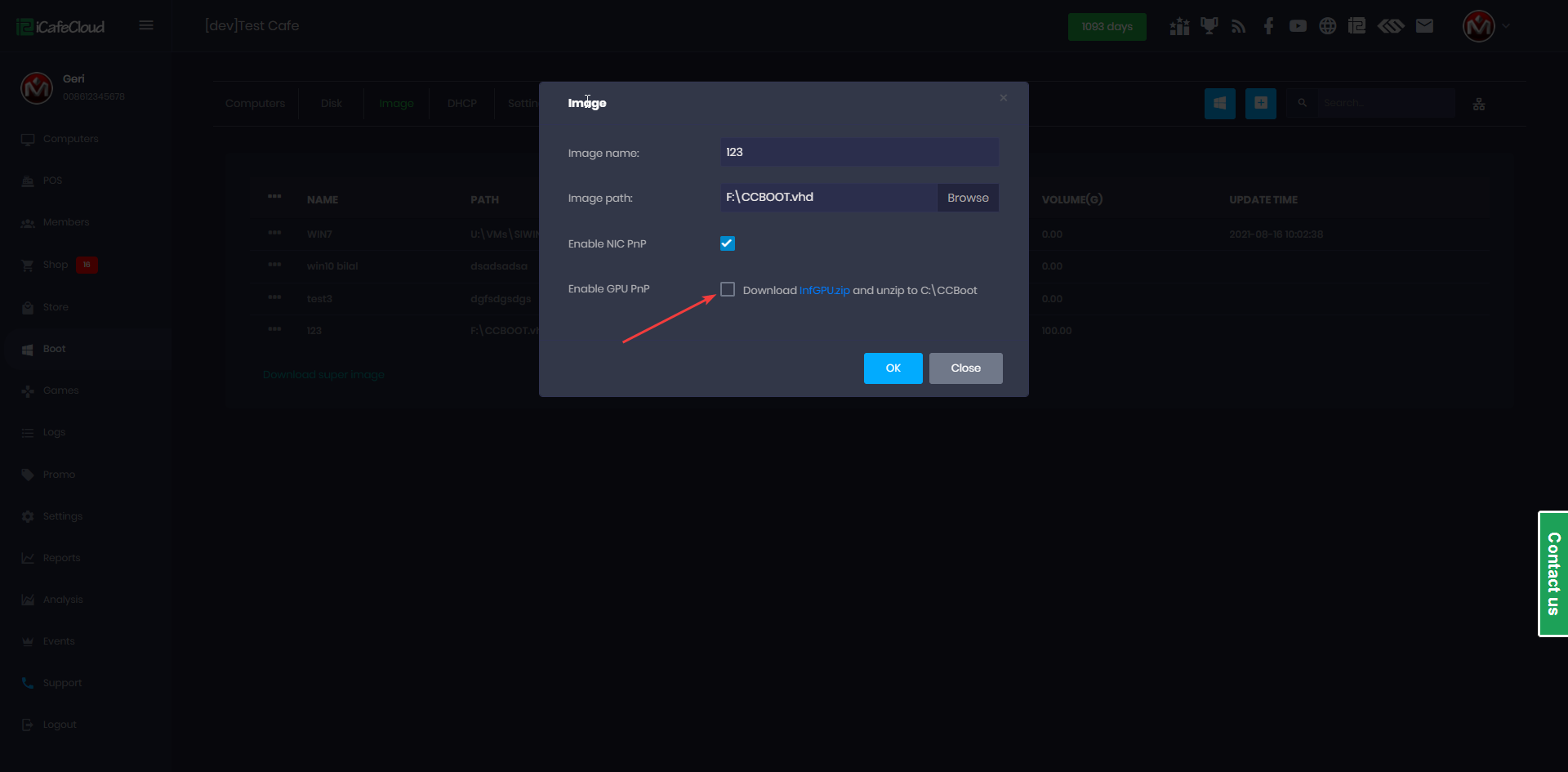
Figure 1
- Then enable GPU PNP again this will reinstall the GPU driver and reset the previous one (Figure 2).
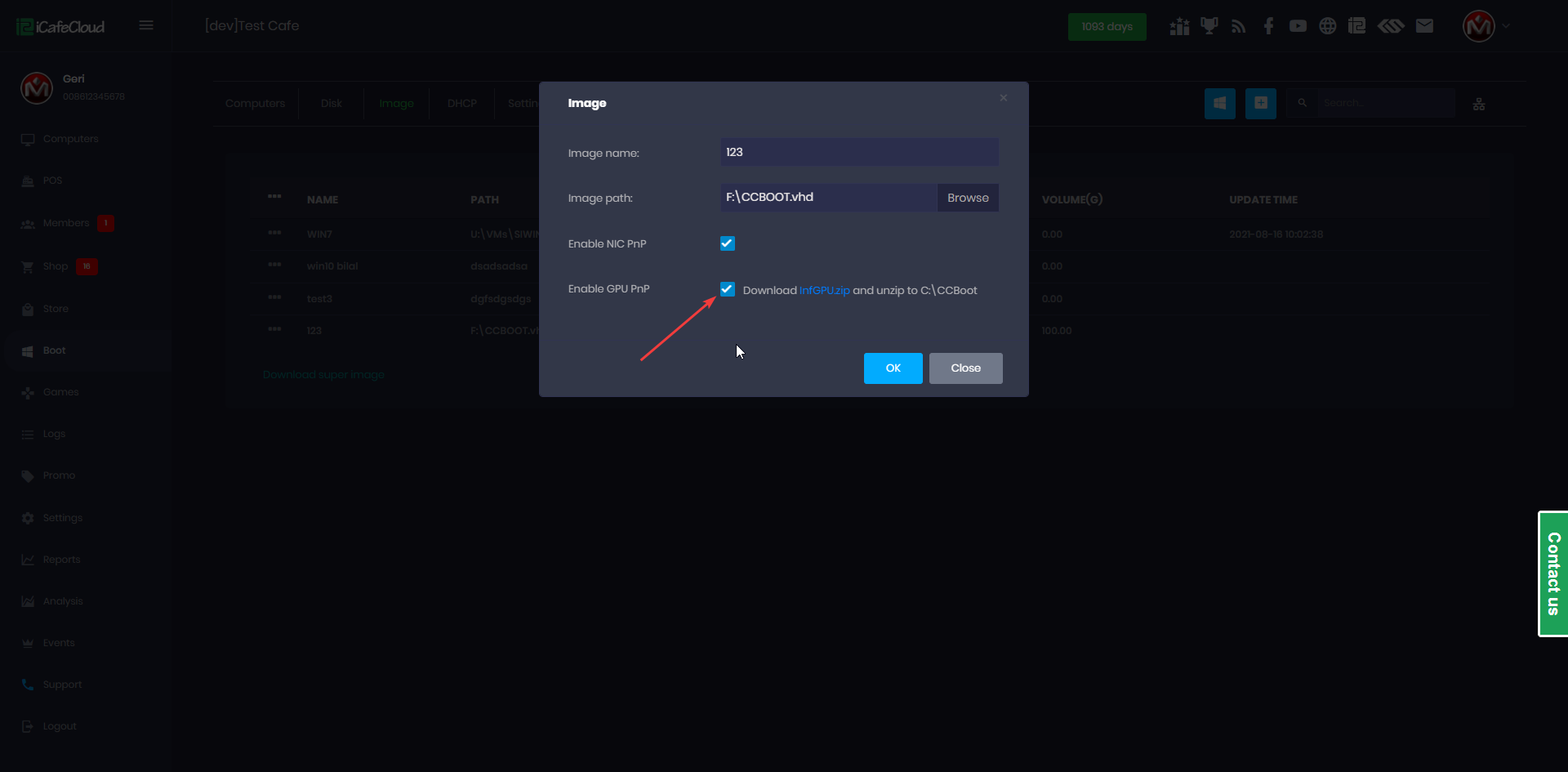
Figure 2