

CCBoot Server uses WMI to retrieve disk performance data. The error Get disk perfmon failed! Code[7] occurs when this query fails due to a COM security initialization conflict (RPC_E_TOO_LATE).
- Open power shell as Administrator and write “Get-Service wmiApSrv | Select-Object Name, Status, StartType”. (Figure 1)
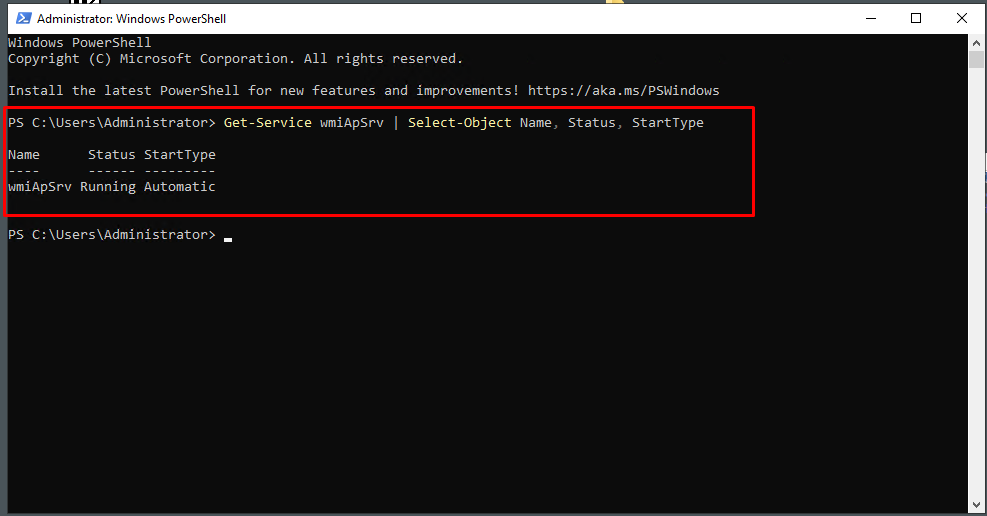
Figure 1
- If status is not running, then type “Set-Service -Name wmiApSrv -StartupType Automatic” then “Start-Service wmiApSrv”. (Figure 2)
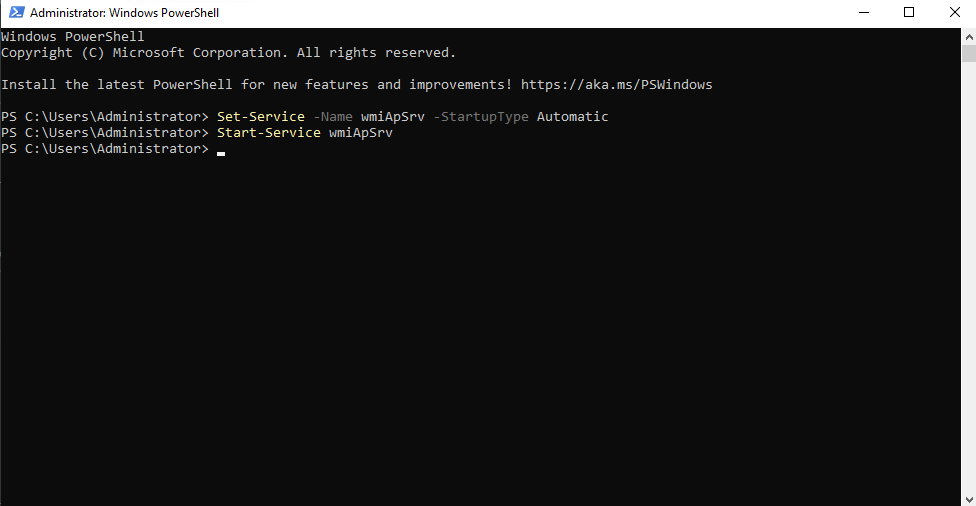
Figure 2
- On Windows Server 2026, open Terminal as Administrator and run the following commands one by one:
cd C:\Windows\System32
lodctr /R
lodctr /Q
winmgmt /resyncperf
wmiadap /f
regsvr32 wmiaprpl.dll
net stop winmgmt
net start winmgmt Verify the Fix
Run the following command to check if disk performance counters are working:
Get-CimInstance -ClassName Win32_PerfRawData_PerfDisk_PhysicalDisk
- After that, the issue should be fixed. The newer version of CCboot server will not have this issue and service will be started automatically.