
2026-05-14
search, menu, filter, boot
The following explains how to use the search function in the Boot menu to filter PCs by name, I/O, PXE, image, GPU, CPU model, and other parameters.
- Navigate to Boot page and on the right side there is a search box (Figure 1)
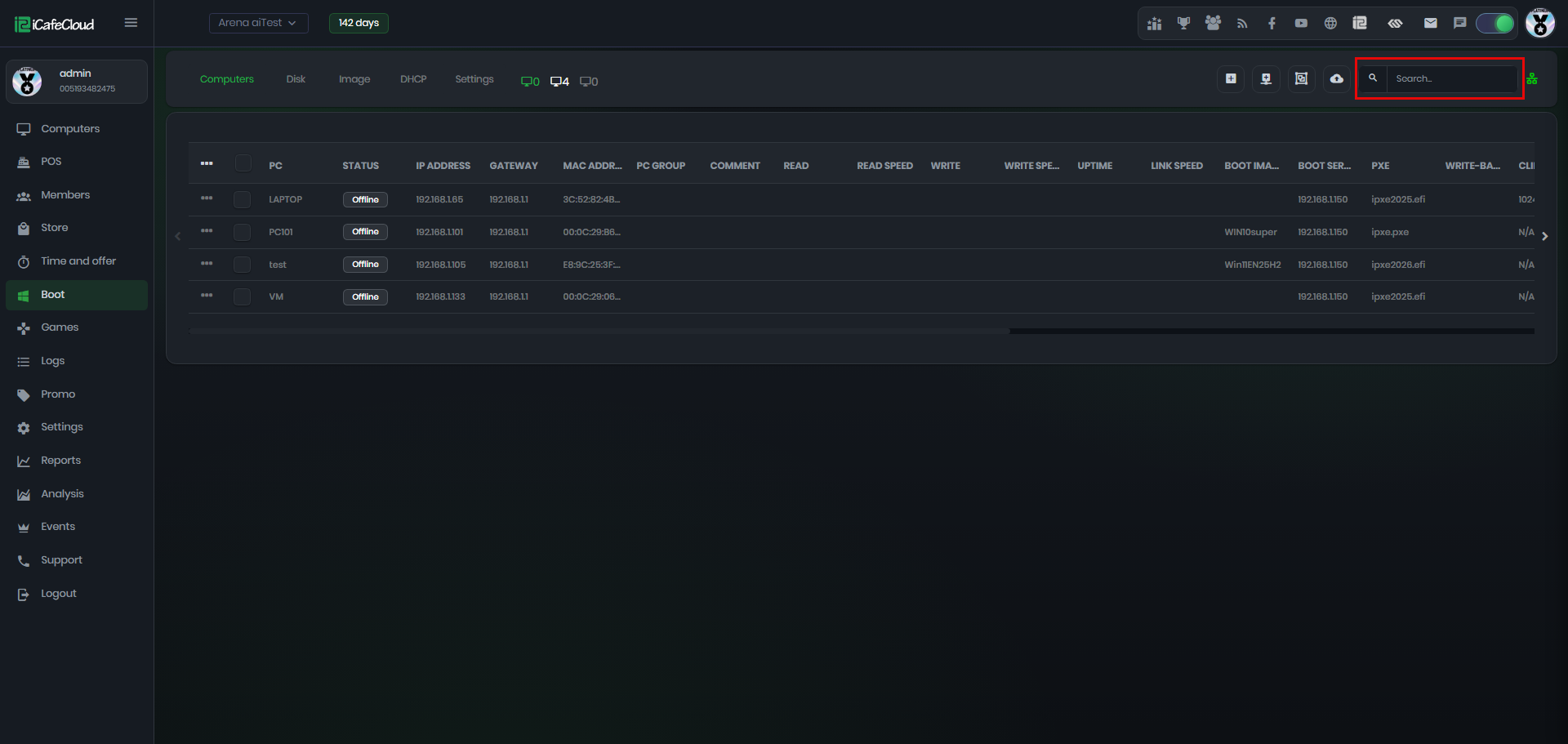
Figure 1
- In the search box, type what you want to filter (for example, a boot image name), and it will display all PCs using that image. (Figure 2)
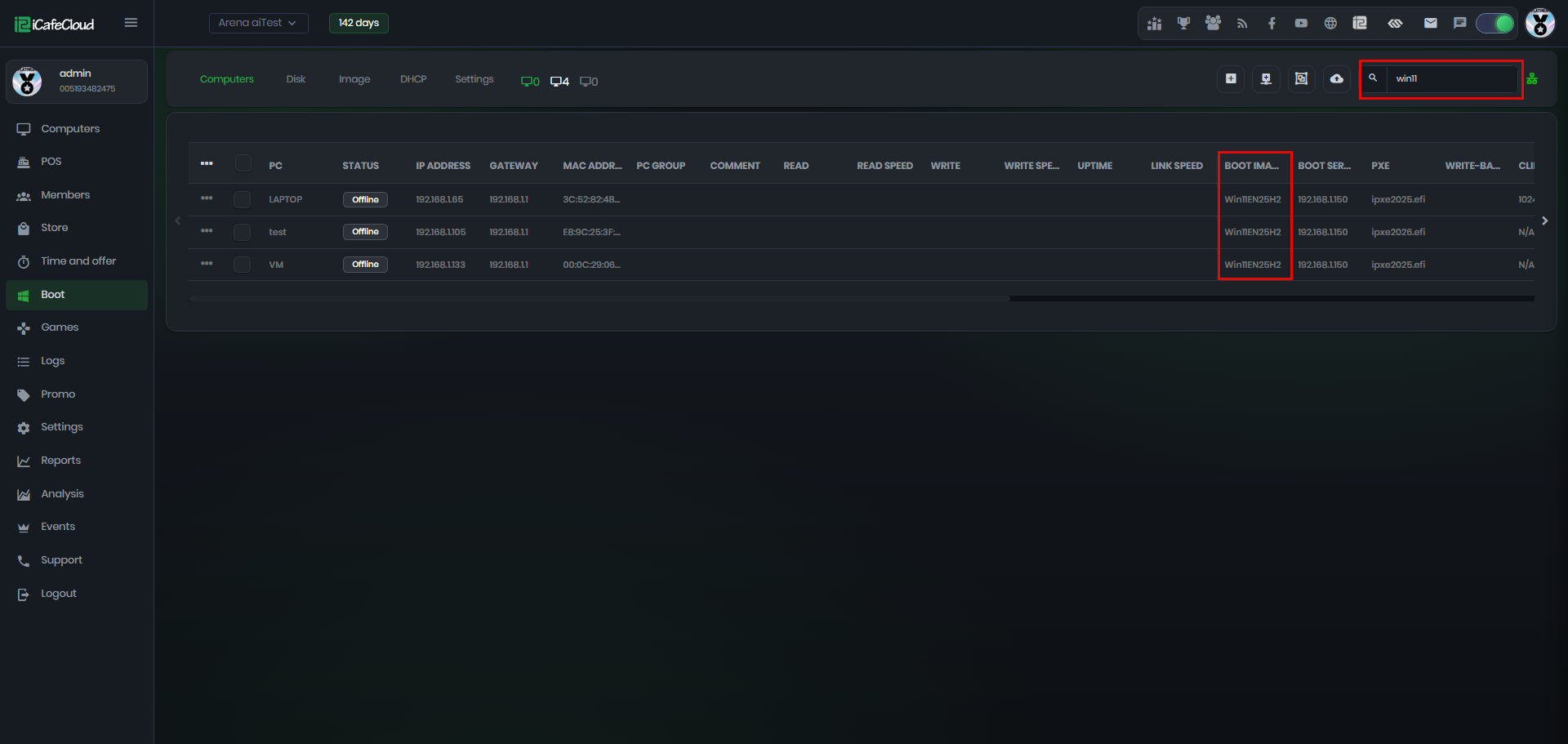
Figure 2
- The search works in real time using partial input, so it will start filtering results as soon as you type a few letters
- You can use the search function to filter results in different ways, such as Boot Image, PC Name, IP Address, GPU model, CPU model, and more.