

The following explain how to fix the problem with B1InitializeLibrary failed 0xc0000001
- If the PC fails to boot and gets stuck at "B1InitializeLibrary failed 0xc0000001" (Figure 1)
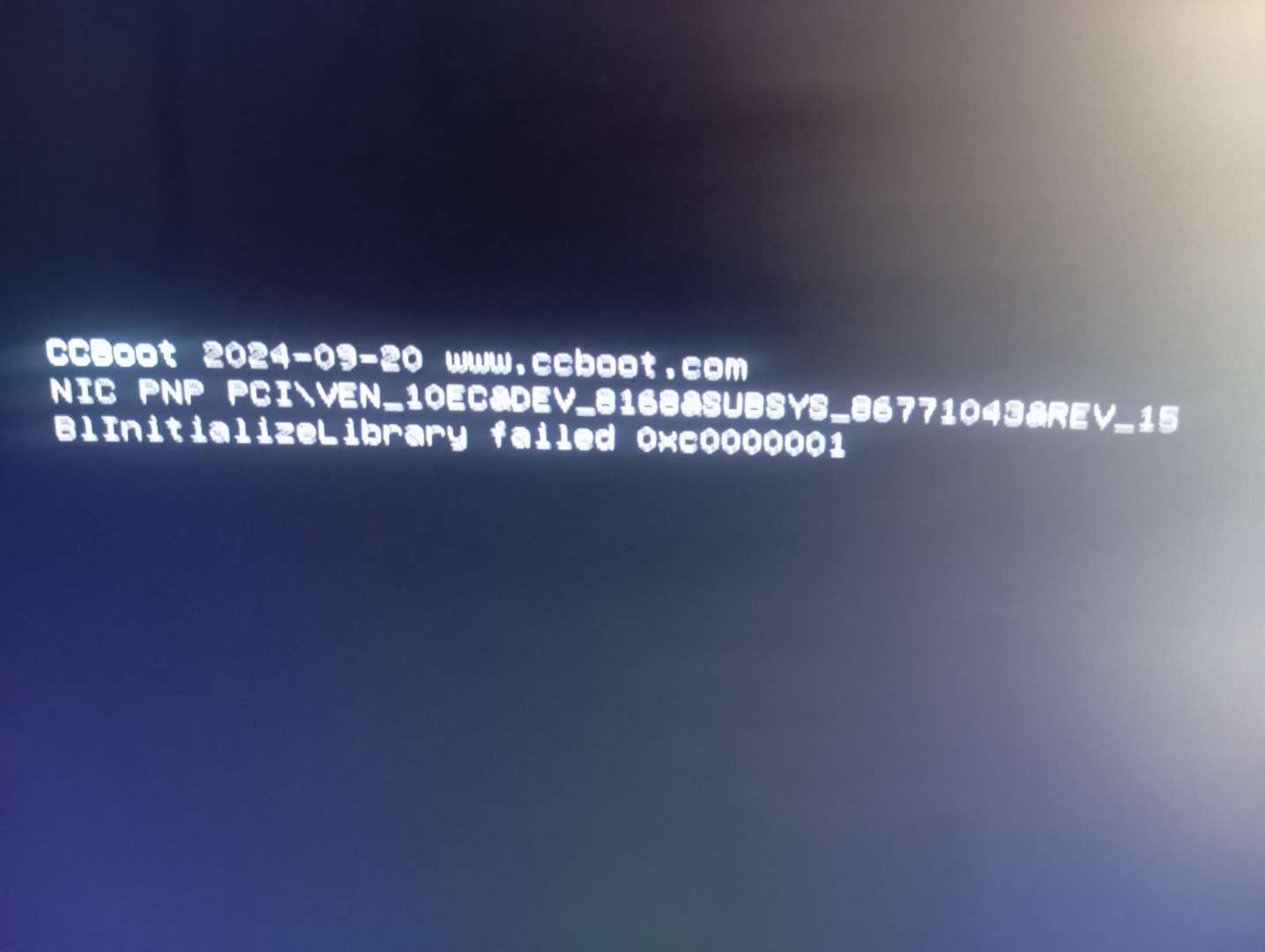
Figure 1
- Boot the PC into BIOS, then reset and correctly configure the BIOS time. Save the changes and reboot the PC should boot successfully.