

The following guide explains how to clear game shader caches, such as CS2, through iCafeMenu to prevent loading issues.
- Works only with iCafeCloud
- In the Game Settings section, find Clear CS2 Shader Cache and set it to Yes (Figure 1).
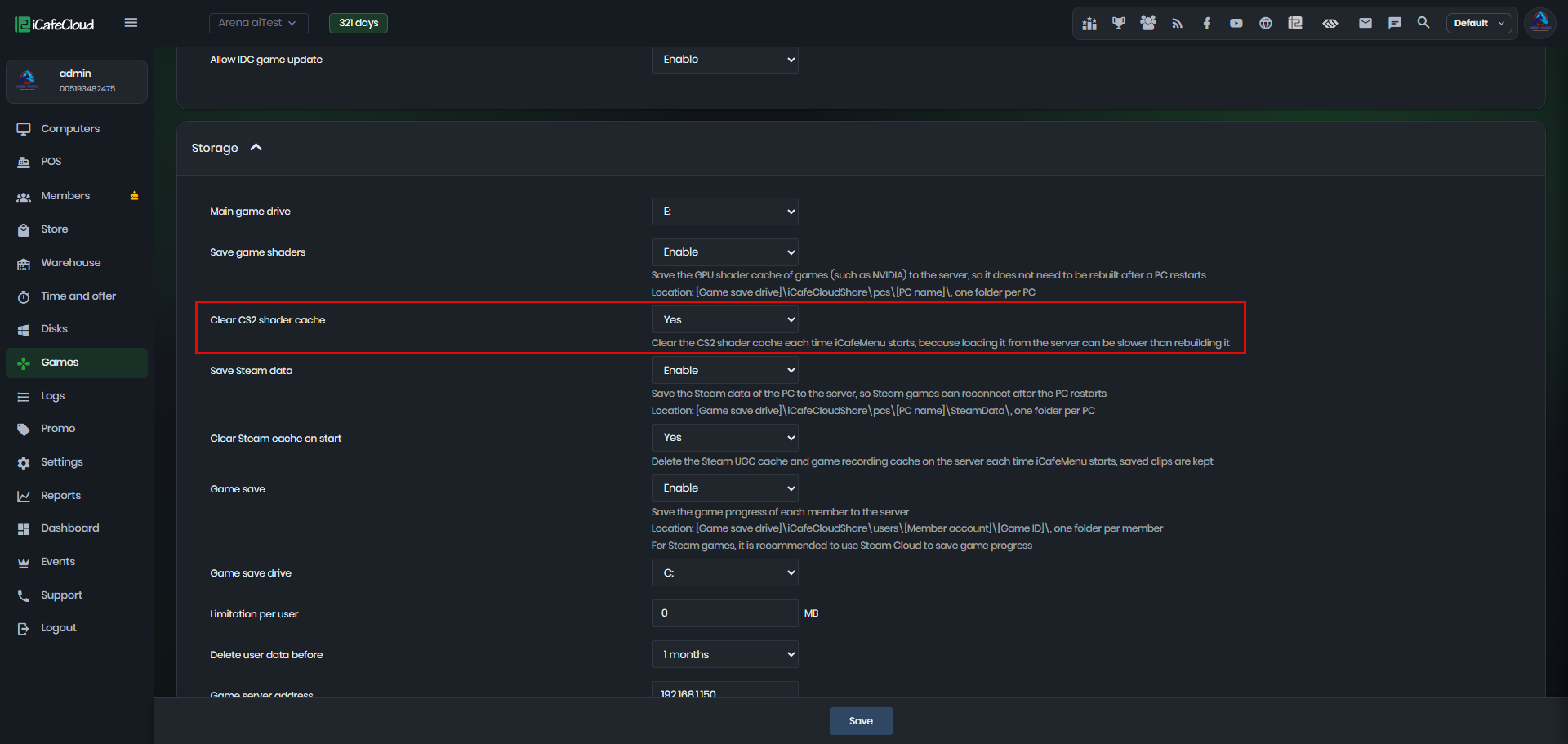
Figure 1
- This clears the shader cache every time iCafeMenu starts. Rebuilding the cache locally is faster than loading it from the server.