
2026-05-27
shutdown, fast
The following explains how to enable or disable Fast Shutdown and Fast Reboot in CCBoot settings.
- Navigate to Boot → Settings and locate the ‘Fast Shutdown or Reboot’ option.(Figure 1)
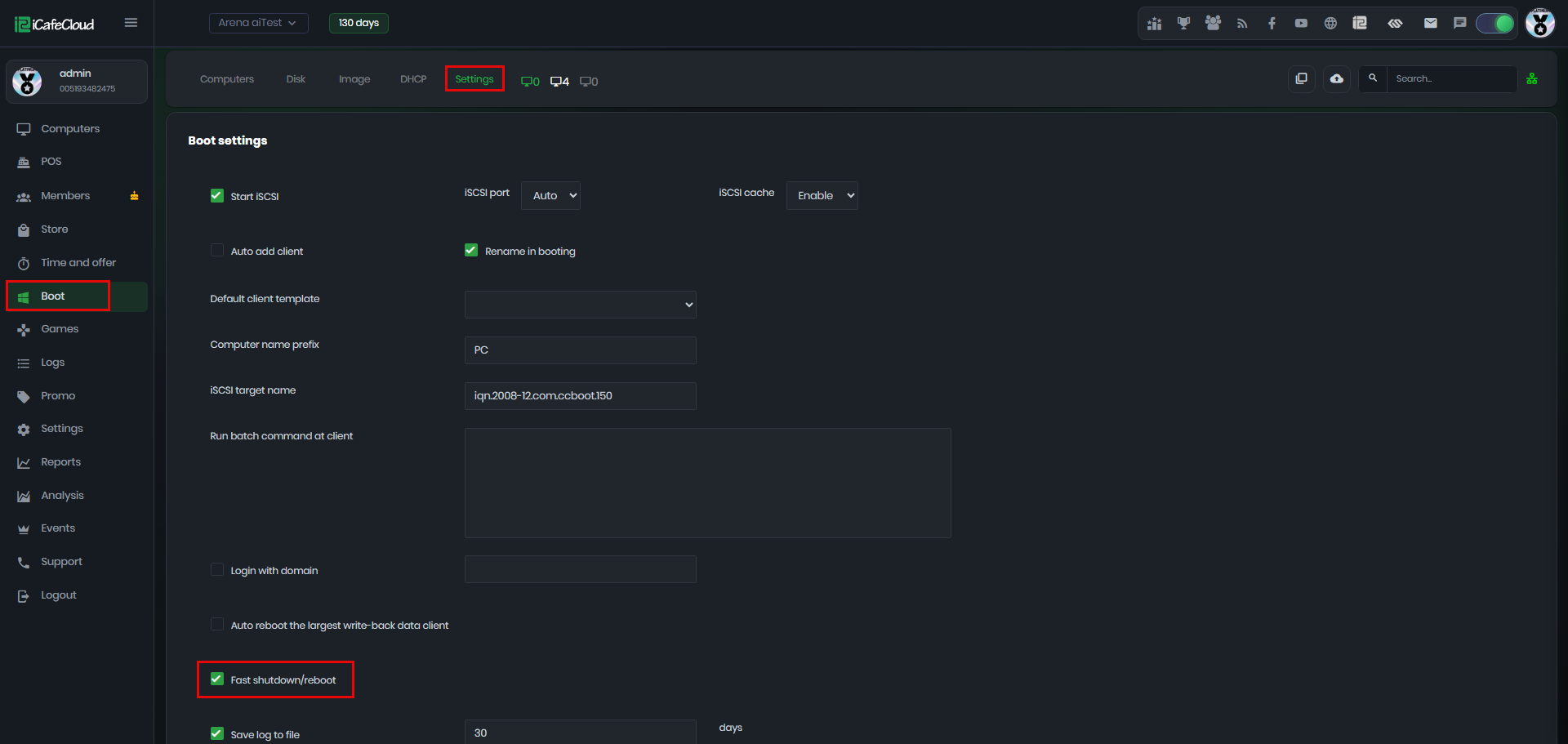
Figure 1
- Fast Shutdown If enabled, the system will send a direct shutdown command to the PC immediately. This bypasses parts of the normal Windows shutdown process, making the shutdown much faster.
- Normal Shutdown If Fast Shutdown is disabled, Windows will use its built-in shutdown process. This allows Windows to properly close applications, stop services, and complete standard shutdown procedures before powering off the PC.