Diskless System Server: What Runs On It, Layer by Layer
A diskless system server hands out boot files, serves one Windows image to every seat, catches each PC's writes and forgets them on reboot. Here's each layer.
Read article

Page 3 of 8
A diskless system server hands out boot files, serves one Windows image to every seat, catches each PC's writes and forgets them on reboot. Here's each layer.
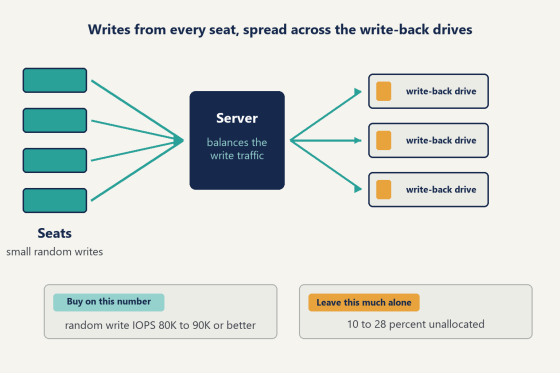
Read articleChoosing an SSD for diskless server use: why random write IOPS beats sequential speed, how many write-back drives a room needs, and how to keep them fast.
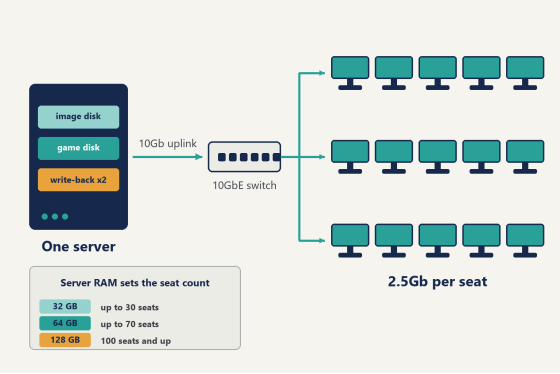
Read articleHow many PCs can a diskless server handle? One well-built box runs 100 to 200 seats. Here is what sets the ceiling, and how to find the number for yours.
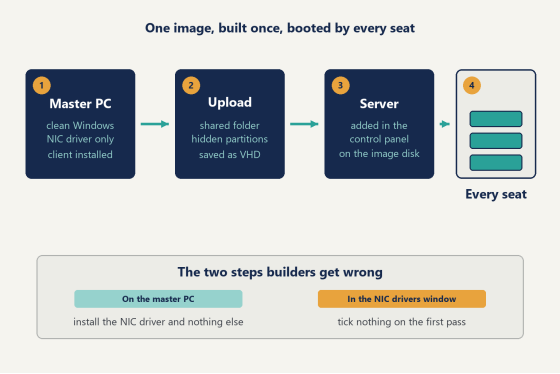
Read articleHow to create a diskless boot image for a Windows gaming floor: picking the master PC, the drivers to skip, uploading it, and running one image on any board.
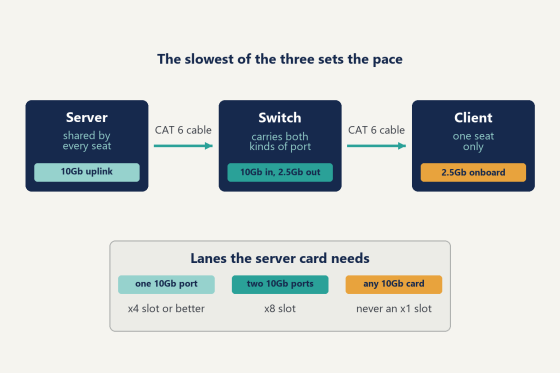
Read articleHow to pick the best NIC for diskless server work: how much uplink each room size needs, what client ports to use, the slot that ruins it, and what to skip.
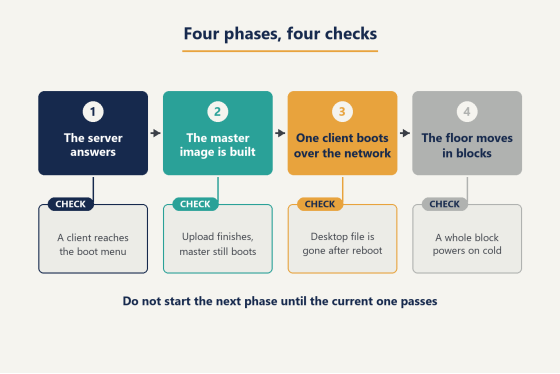
Read articleHow to set up a diskless system for a Windows gaming floor: what the Linux guides leave out, the four phases in order, and how to tell each one actually worked.
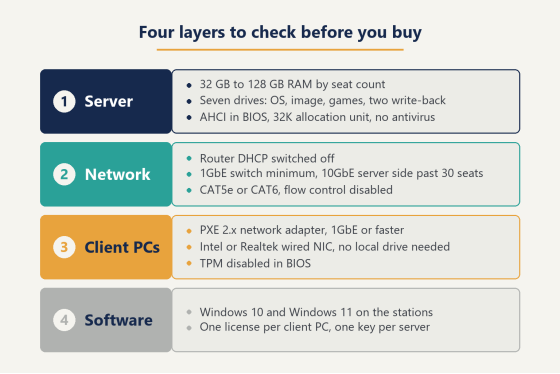
Read articleThe diskless server requirements nobody puts in one place: server RAM and drives, switch and cabling, client NIC and BIOS settings, and what to set first.
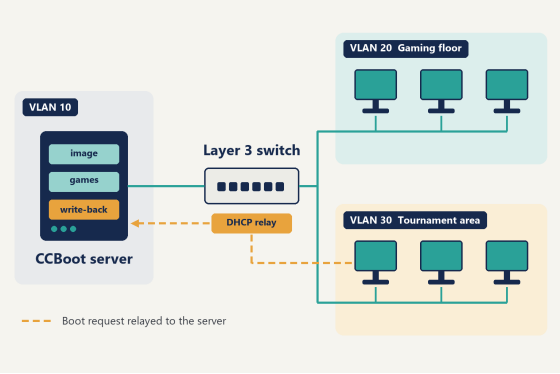
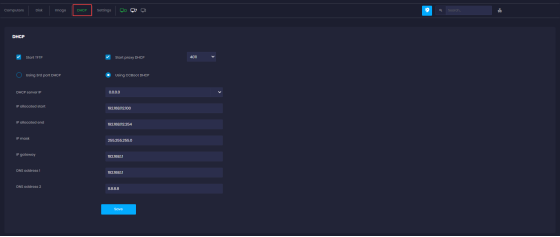
Read articleDiskless boot with VLAN segments, step by step: pick a layout, set DHCP relay on the switch, and get every station booting from one CCBoot server.
Read article