
2026-01-14
bsod, ram, issue
The following explains how to troubleshoot the BSOD error “Attempted Write to Read-Only Memory” caused by a failure in win32kfull.sys.
- If you get a Stop code: Attempted Write to Read-Only Memory (Figure 1)
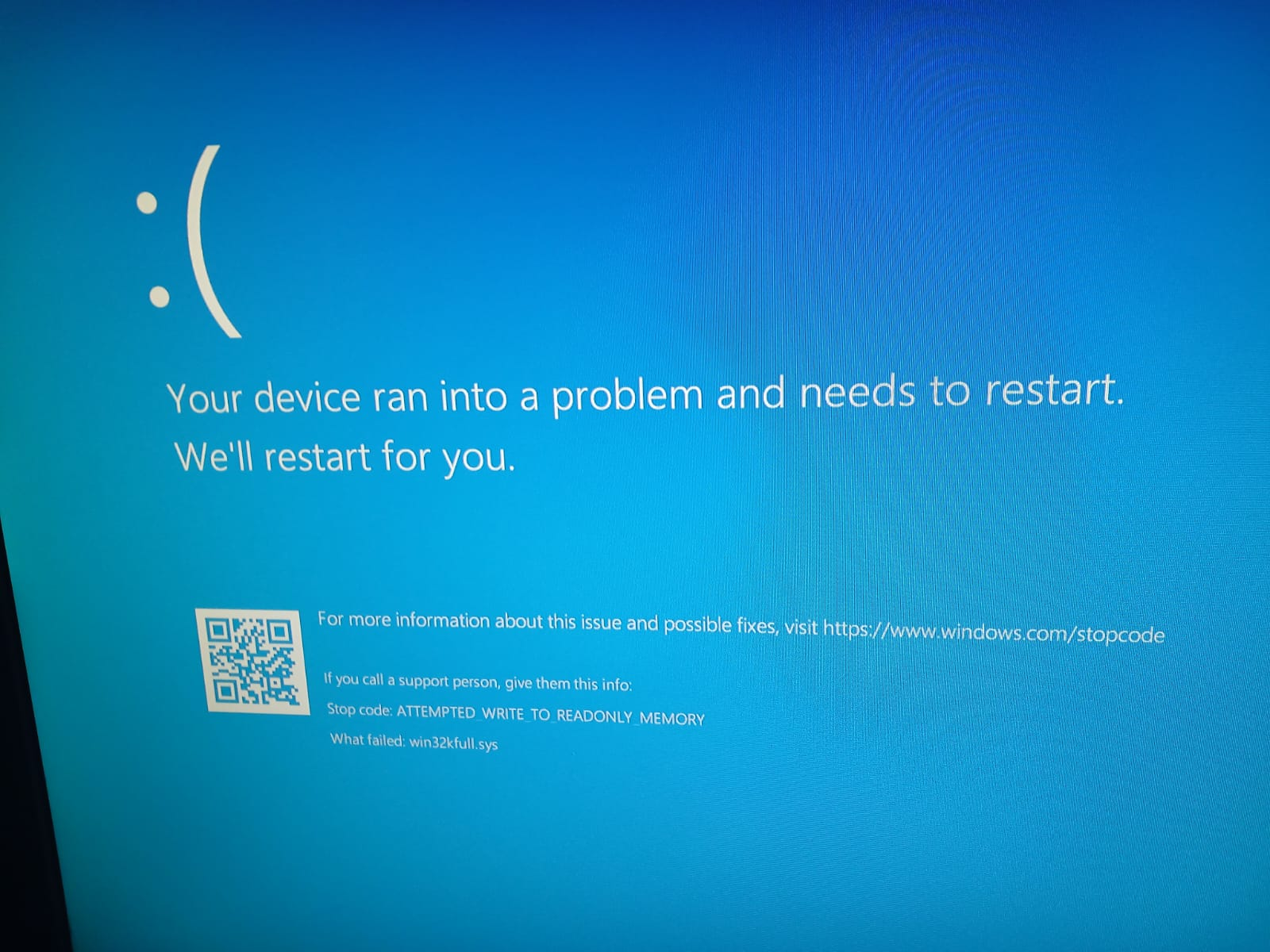
Figure 1
lower the RAM frequency
- Boot into the BIOS/UEFI settings. This is done by pressing a key (like Del, F2, F10, or Esc) immediately after powering on.
- Navigate to memory or overclocking settings (often called "XMP," "DOCP," "EXPO," or "Memory Frequency").
- Disable any XMP/DOCP/EXPO profile. This will make the RAM run at its base JEDEC standard speed (e.g., 2133 or 2400 MHz), which is lower and more stable.
- Alternatively, manually select a lower frequency (MHz) than the current setting.
- Save changes and exit (usually F10).
Remove one Ram stick
- Power down your computer completely. Unplug it from the electrical outlet.
- Note the current configuration. If you have two sticks, remember which slots they are in.
- Release the retaining clips on both ends of the stick you wish to remove. They will pop outward.
- Gently but firmly pull the RAM stick straight out.
- Try one RAM stick alone in the recommended primary slot