

The following guides users through the process of downloading and running a batch file for offline installation of Dot Net 3.5 using a Windows 10 installation USB drive.
Download the batch file required for Dot Net 3.5 offline installation.
2. Copy the bat file to the desktop (Figure 1)
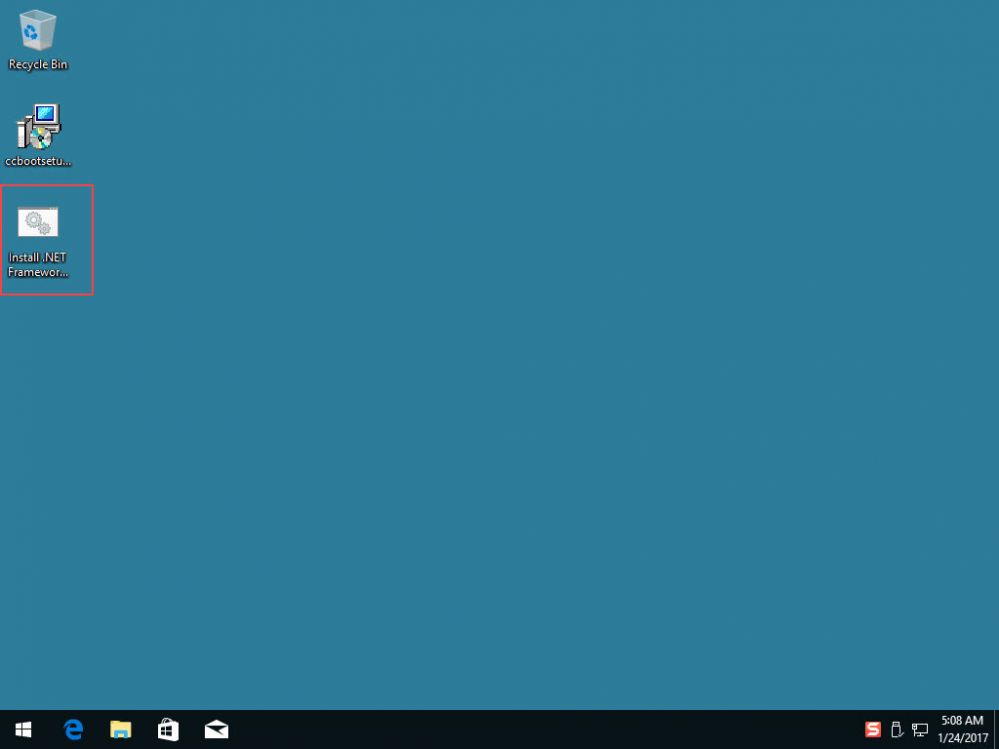
Figure 1
3. Now, plug in a USB drive with Windows 10 installation (Figure 2)
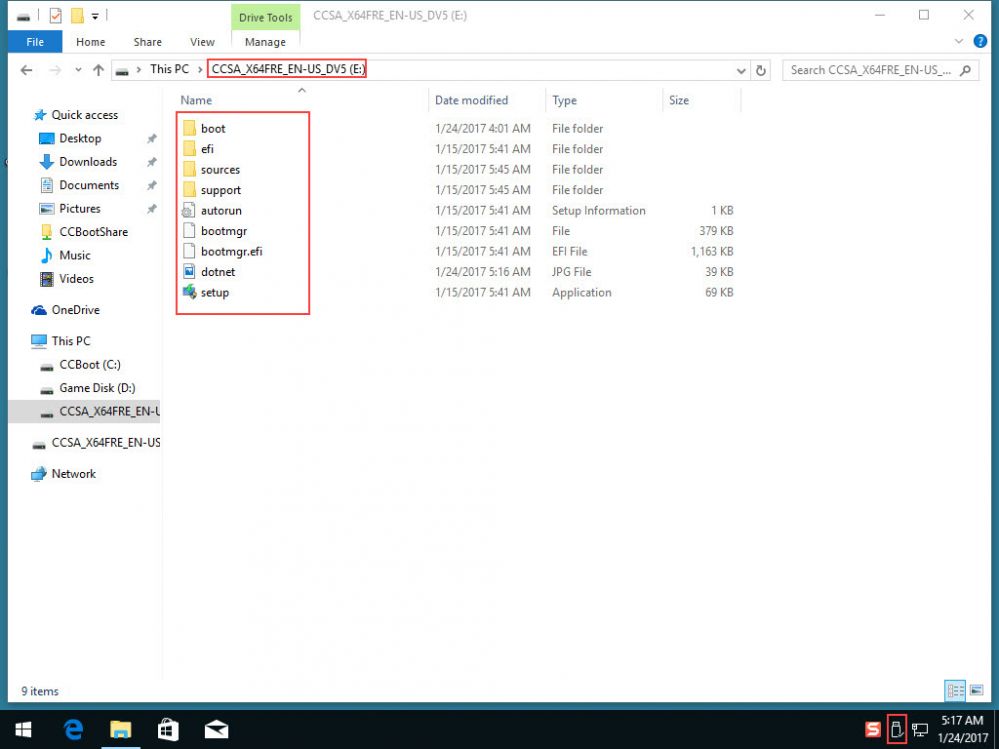
Figure 2
4. Once USB is plugged in and showing, right click the batch file on desktop and choose "Run as Administrator" (Figure 3).
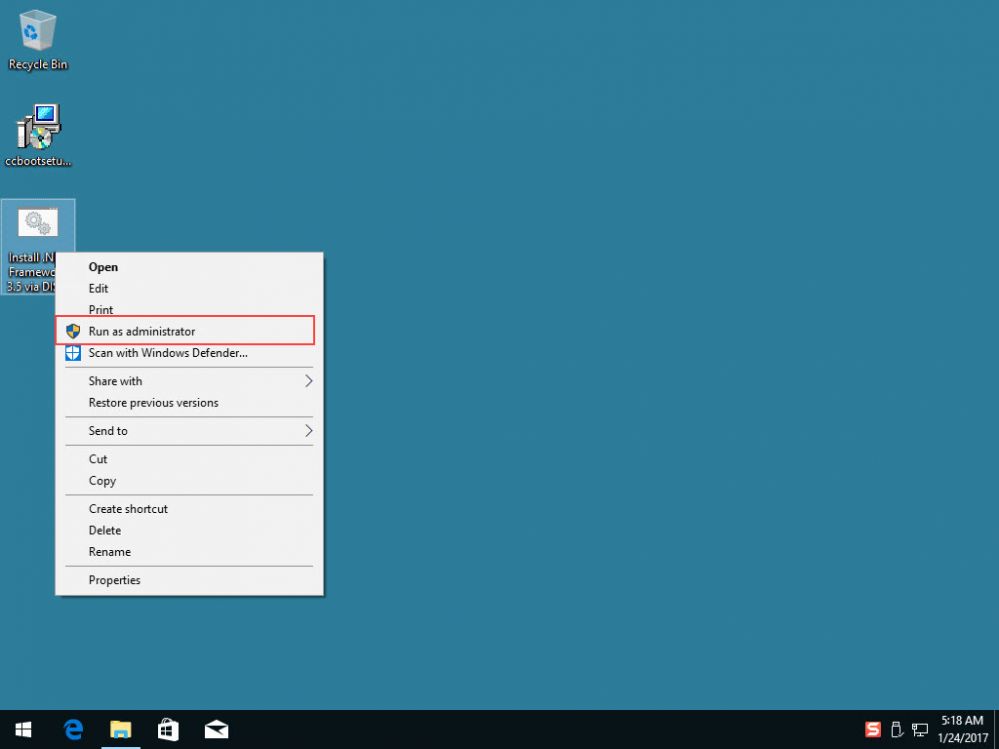
Figure 3
5. It will take a minute or so to complete the installation and will show you "NET Framework should be installed" on the command prompt (Figure 4).
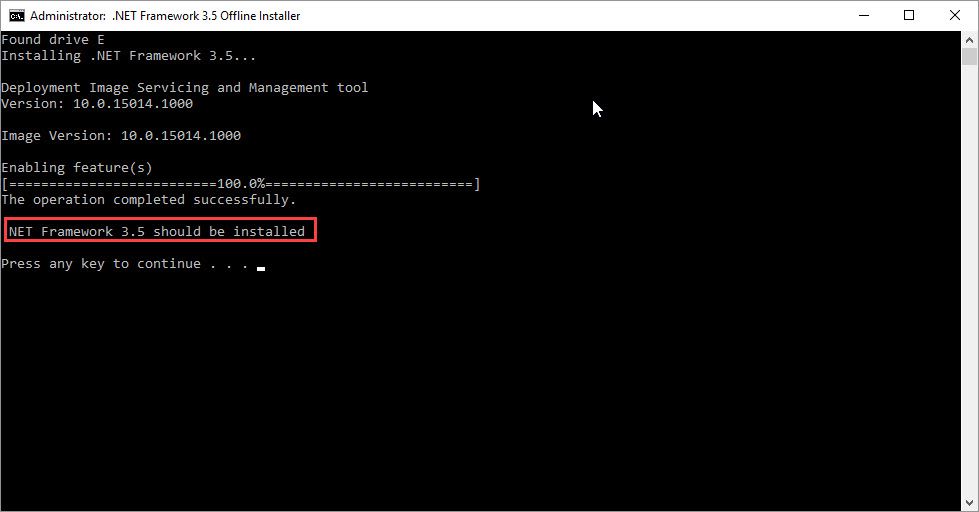
Figure 4