
The roar of the crowd, the blinding LED lights, and the intense focus of professional gamers—hosting a successful esports tournament is an exhilarating experience. But behind the scenes, managing the technology that powers these events can quickly become an IT nightmare. If you have ever managed a gaming arena, you know the struggle: a sudden 50GB game update drops an hour before the tournament, and suddenly, you are scrambling to update dozens of machines individually.
Enter the esports venue PXE solution—and the diskless management platforms that make it practical at scale, such as CCBoot.
By leveraging Preboot Execution Environment (PXE) technology, arena operators are transforming how gaming centers and tournament stages are managed. Instead of relying on individual hard drives inside every single computer, PXE allows gaming rigs to boot directly from a centralized server over the network. When paired with a purpose-built diskless system like CCBoot, the same architecture can be standardized across training rooms, public seats, and tournament stages—while keeping daily operations manageable for a small IT team.
In this guide, we will dive into the mechanics of network booting, explore how it reshapes modern esports infrastructure, and outline implementation patterns IT administrators can apply in real venues.
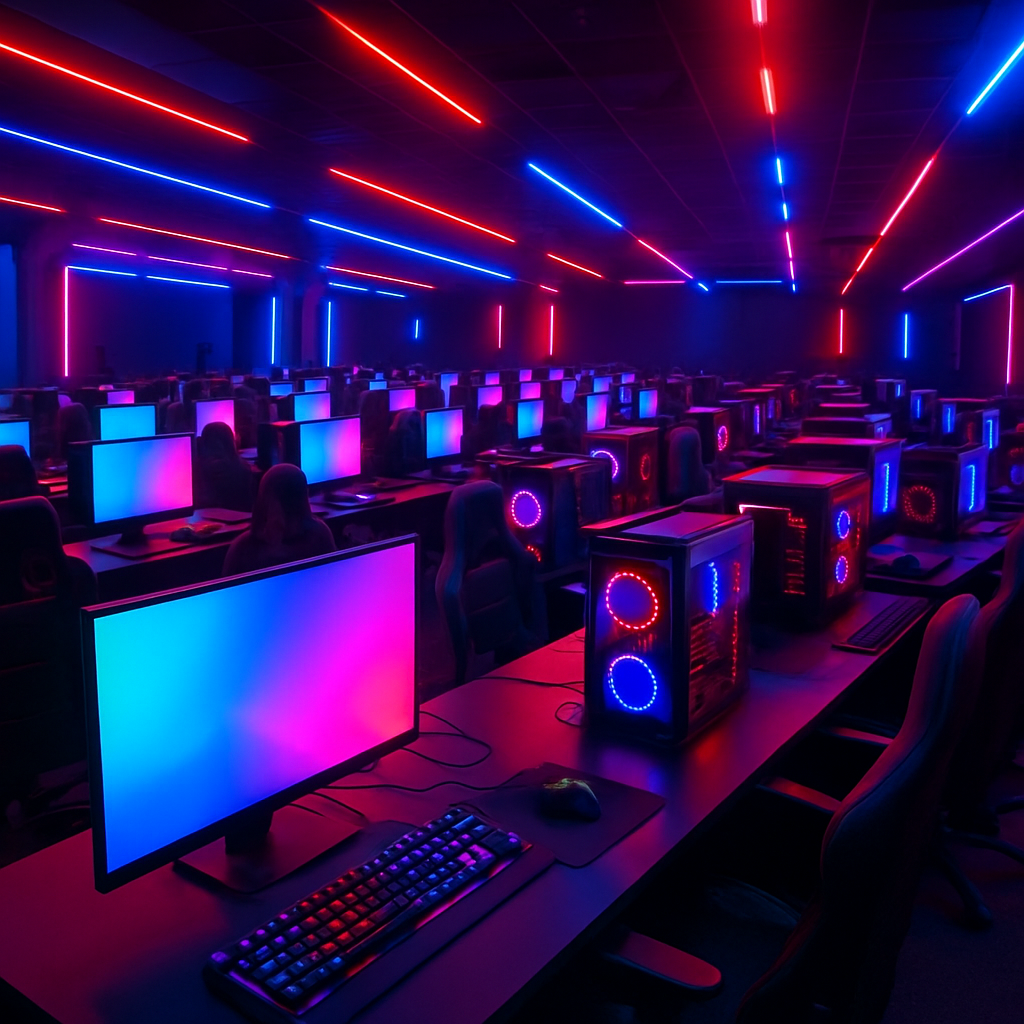
The Paradigm Shift: From Local Drives to Network Booting
For decades, the standard protocol for PC gaming was simple: install a hard drive or SSD, load the operating system, and download the games. However, when multiplied across 50, 100, or 500 computers, this traditional setup collapses under its own weight.
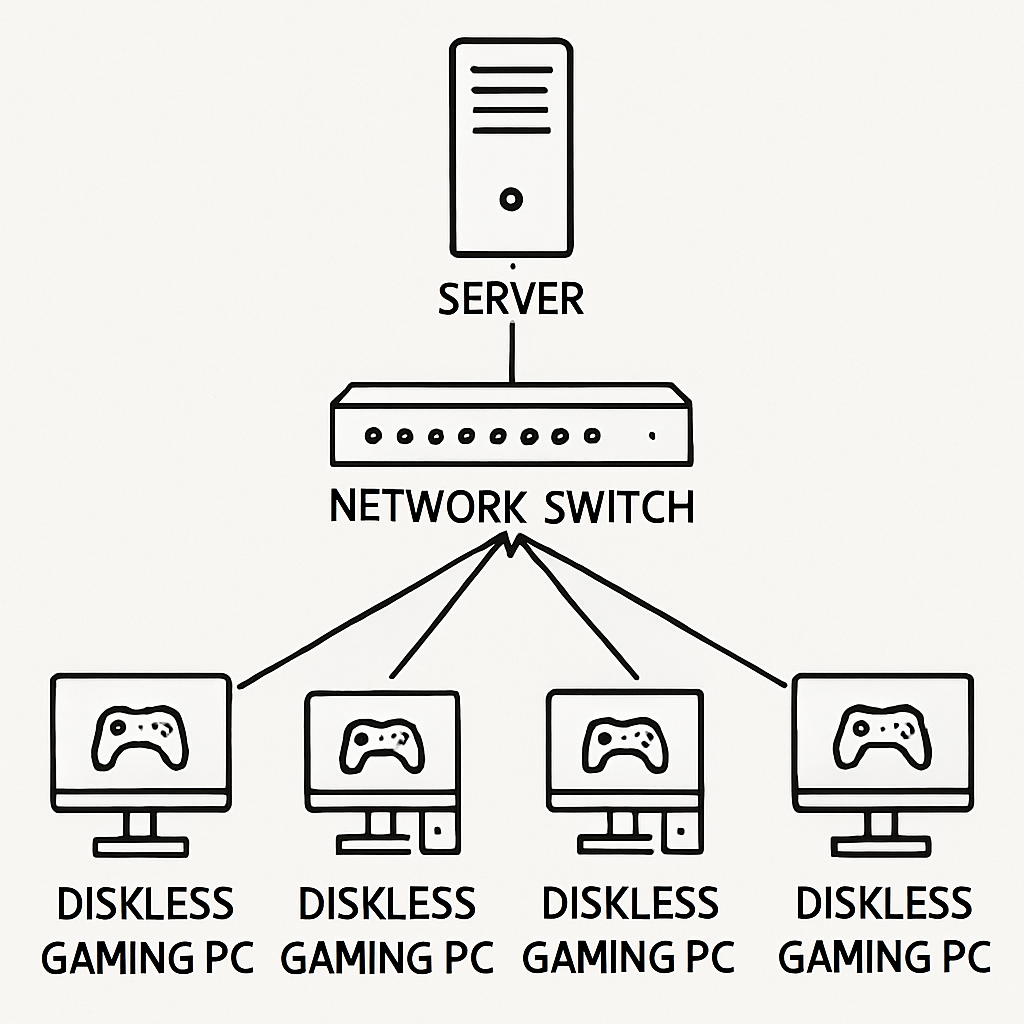
Today, diskless workstation deployment for gaming centers is the standard model for venues that need consistent performance and fast turnaround. In a diskless environment, the client PCs (the gaming rigs) do not have storage drives. When turned on, the motherboard's network card sends a broadcast asking for a boot image. A central server responds, streaming the operating system and game files directly to the PC's RAM in real-time.
In practice, operators typically implement this with a PXE + iSCSI stack, orchestrated by diskless software. CCBoot, for example, is designed specifically for cyber cafes and esports venues, providing the image management, client control, and caching workflow required to make diskless boot stable under the pressure of daily peak traffic and match-day reboots.
Diskless Booting vs Local SSD Performance
A common misconception is that booting from a network is slower than booting from a local drive. In reality, when comparing diskless booting vs local SSD performance in a properly configured environment, network booting often wins.
How? A centralized server utilizes massive arrays of enterprise-grade NVMe SSDs and vast amounts of RAM caching. When multiple PCs request the same game files simultaneously, the server delivers them from its RAM cache over a 10Gbps (or faster) network. The result is high-speed network booting for competitive gaming that can outperform consumer SSDs installed in individual clients—especially when you factor in consistency across hundreds of machines.
Why Traditional Storage Fails Gaming Arenas
To truly appreciate the technology, it helps to name the operational pain points of the old approach.
1. The Patching Nightmare
Modern games receive constant updates. A single patch for titles like Call of Duty or Valorant can be massive. Updating 100 individual PCs takes hours and monopolizes internet bandwidth. With a diskless model and a centralized game update management system, IT staff update the game once on the server-side game volume; after a reboot, every client loads the same updated content. In CCBoot-based deployments, this pattern typically maps to a dedicated Game Disk that is shared to all clients, which is a practical way of reducing game patch download times in arenas.
2. Security and System Integrity
Public gaming PCs are susceptible to malware, accidental deletions, and malicious tampering by users. An esports venue PXE solution addresses this at the architectural level: clients boot from a controlled master image, and session changes can be discarded on reboot. For venues using CCBoot, this clean-reset workflow is a day-to-day operational advantage—staff can recover a misconfigured machine in minutes without reimaging a physical drive.
The Core Benefits of PXE Over Local Storage for Arenas
The benefits of PXE over local storage for arenas go beyond saving time on updates:
- Cost efficiency: you can reduce or eliminate per-seat SSD spend and invest in a more capable shared storage and caching server.
- Rapid hardware replacement: if a client fails, you swap the physical machine; the replacement PXE boots into the same standardized environment.
- Operational standardization: the same “gold image” approach can power practice rooms, public areas, and tournament stages with consistent configurations and predictable behavior.
- Zero-touch OS deployment for tournament stages: a PXE setup allows for zero-touch OS deployment for tournament stages, enabling IT staff to push event-specific images (drivers, rulesets, specific game builds) without USB media or manual per-seat setup.
Architecting the Network: Hardware and Software Synergy
Building scalable server infrastructure for cyber cafes and arenas requires careful planning. You cannot run a high-performance diskless setup on a standard gigabit home router.
Bandwidth Requirements for Diskless Gaming Networks
The backbone of any diskless setup is the network. The bandwidth requirements for diskless gaming networks are substantial:
- The server: multiple 10Gbps/25Gbps (or faster) uplinks to the core switch are common in medium-to-large venues.
- The switches: non-blocking switching and clean VLAN/DHCP design reduce boot storms and intermittent client issues.
- The clients: each gaming rig should have a dedicated 1Gbps link at minimum; 2.5Gbps is increasingly adopted for modern titles and faster content delivery.
Choosing the Right Software
PXE and iSCSI are core building blocks, but the day-to-day success of a diskless venue depends on the management layer: image creation, client mapping, caching behavior, and game volume design. Diskless solutions such as CCBoot are built for these venue realities—centralized image control, flexible disk mapping (system/game/write-back), and tooling intended for multi-seat operations rather than one-off enterprise VDI experiments.
Write-Back Cache Optimization
A critical component of the architecture is handling data the client PC needs to write (temporary files, browser cache, game logs). Since the client has no local disk and the master image is controlled, this data is redirected to server-side write-back storage.
Proper write-back cache optimization for gaming clients typically means allocating the fastest NVMe drives you can justify—often separate from the OS/image volumes—and tuning RAM caching so clients do not stutter during asset streaming or intense firefights. In CCBoot-style designs, separating System Disk, Game Disk, and Write-back/Cache volumes is a practical pattern for both performance isolation and troubleshooting clarity.
Implementation Guide: How to Set Up Diskless Boot for Esports
If you are a facility IT manager wondering how to set up diskless boot for esports, the process requires precision. Below is a high-level step-by-step guide to configuring PXE servers for a gaming environment, with notes that map naturally to how CCBoot deployments are commonly organized.
Step 1: Server Preparation Build a server with high core-count CPUs, substantial RAM (128GB–256GB is common for caching at scale), and separate high-speed storage pools for: (1) the server OS/software, (2) client system image storage, (3) shared game storage, and (4) write-back/cache storage. Install your chosen server OS and your diskless management software (for example, CCBoot Server).
Step 2: Network Configuration Ensure your switching is sized for boot storms and peak-hour concurrency. Your PXE/DHCP/TFTP design must be consistent (whether centralized or via IP helpers). Eliminate rogue DHCP sources so clients reliably receive the correct boot parameters.
Step 3: Creating the Master Image Prepare one reference PC (with a temporary local disk if needed). Install Windows, apply performance and stability optimizations, update drivers, and install required launchers (Steam/Epic/Riot/Battle.net). The goal is a clean, repeatable “gold image” that you will maintain over time.
Step 4: Uploading the Image Use the diskless platform to capture/upload the reference system into the server’s image storage. In CCBoot workflows, this is where you establish the standard client system image used across seats. After capture, the client can be converted to diskless operation.
Step 5: BIOS/UEFI Configuration Set “Network Boot” (PXE/LAN) as a primary boot option. Enable the network stack in UEFI if required. Standardize these settings across your fleet to reduce one-off boot issues.
Step 6: First Network Boot Power on a client. It will obtain IP configuration, retrieve the boot file, and attach to the server-provided virtual disk target to boot Windows as if a local drive exists.
Step 7: Deploying Games (and Keeping Them Maintainable) Instead of installing games directly into the OS image, place them on a shared game volume on the server (a dedicated “Game Disk”). Map that volume to clients through your diskless software. This is the most maintainable approach for high-churn titles and frequent patch cycles. In CCBoot-centric environments, separating game storage from the system image is also an operational advantage: it reduces the blast radius of OS updates and makes game patching a controlled, centralized routine.
Streamlining Daily Operations
Beyond the technical setup, an esports venue PXE solution changes day-to-day operations in ways that directly affect customer experience and event reliability.
First, venues benefit from the ability to return machines to a known-good state quickly. When a seat develops issues—corrupted settings, broken launchers, misconfigured drivers—a controlled diskless reboot restores consistency. In a CCBoot deployment, this is not a special recovery procedure; it is a normal operational lever that keeps uptime high during peak hours.
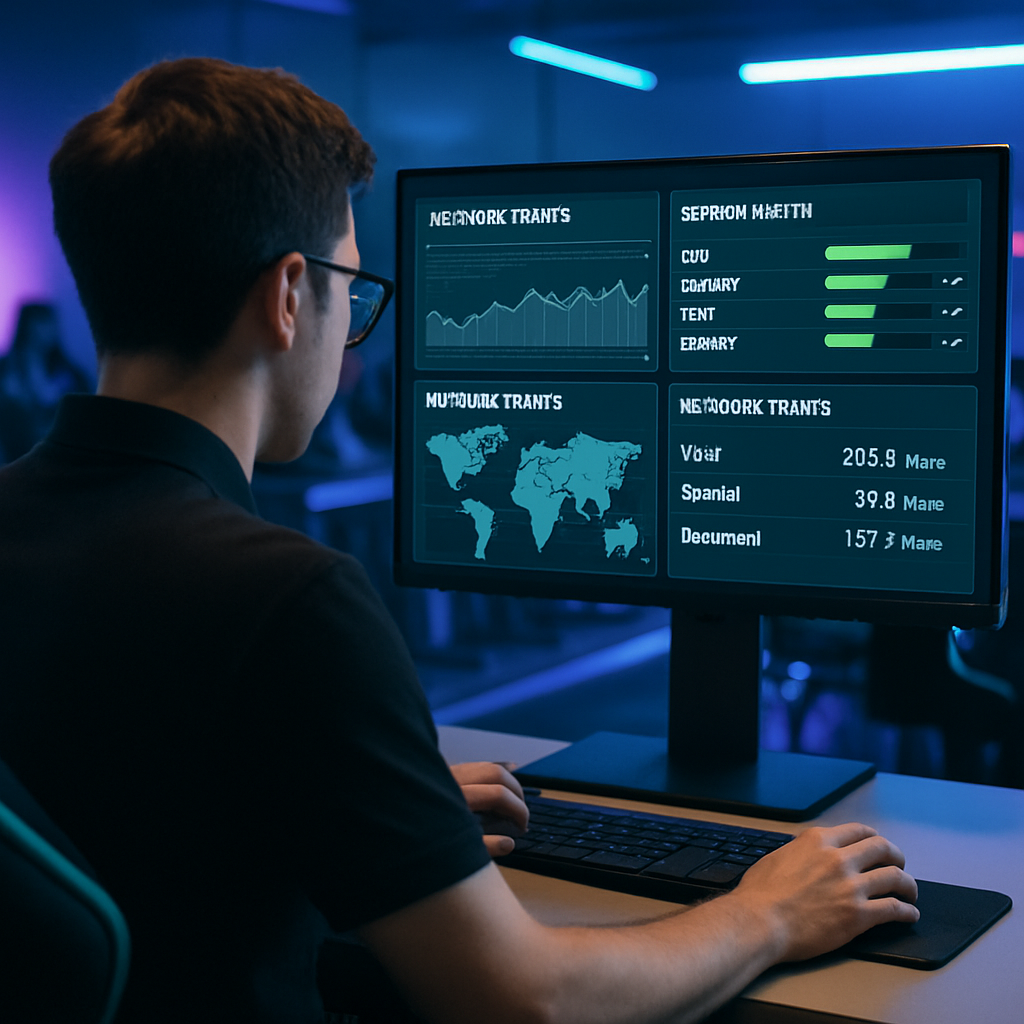
Second, this technology materially improves esports event management. Tournament organizers run on tight schedules, and competitive integrity is non-negotiable. The ability to reboot a 50-PC stage and have every machine reset to a standardized, tournament-ready environment quickly reduces delays, supports consistent configurations, and helps minimize risk from unauthorized changes.
Conclusion
The rapid professionalization of competitive gaming demands infrastructure that is reliable, scalable, and maintainable under pressure. Relying on local hard drives is an outdated methodology that leaves arenas vulnerable to downtime, inconsistent performance, and time-consuming operational overhead.
By implementing an esports venue PXE solution, facility operators can standardize performance, simplify patching, and improve security posture. And by adopting a venue-focused diskless platform like CCBoot to manage images, game volumes, and caching behavior, the underlying PXE concepts become a practical, repeatable operating model rather than a fragile DIY project. Whether you are running a 30-seat LAN center or building a multi-stage tournament venue, diskless network booting can help you deliver a consistent, high-availability player experience.