
Have you ever stared at a computer with a failing disk and asked yourself, "can I boot pc without hard drive?" The answer is a resounding yes. Whether you are dealing with a sudden hardware failure, managing a massive network of gaming computers, or simply trying to streamline your IT infrastructure, learning how to boot without hard drive is an incredibly practical and cost-effective skill.
In this comprehensive guide, we will explore the two primary methods for bypassing local storage: utilizing a portable USB drive, and setting up a powerful network boot (PXE) environment.
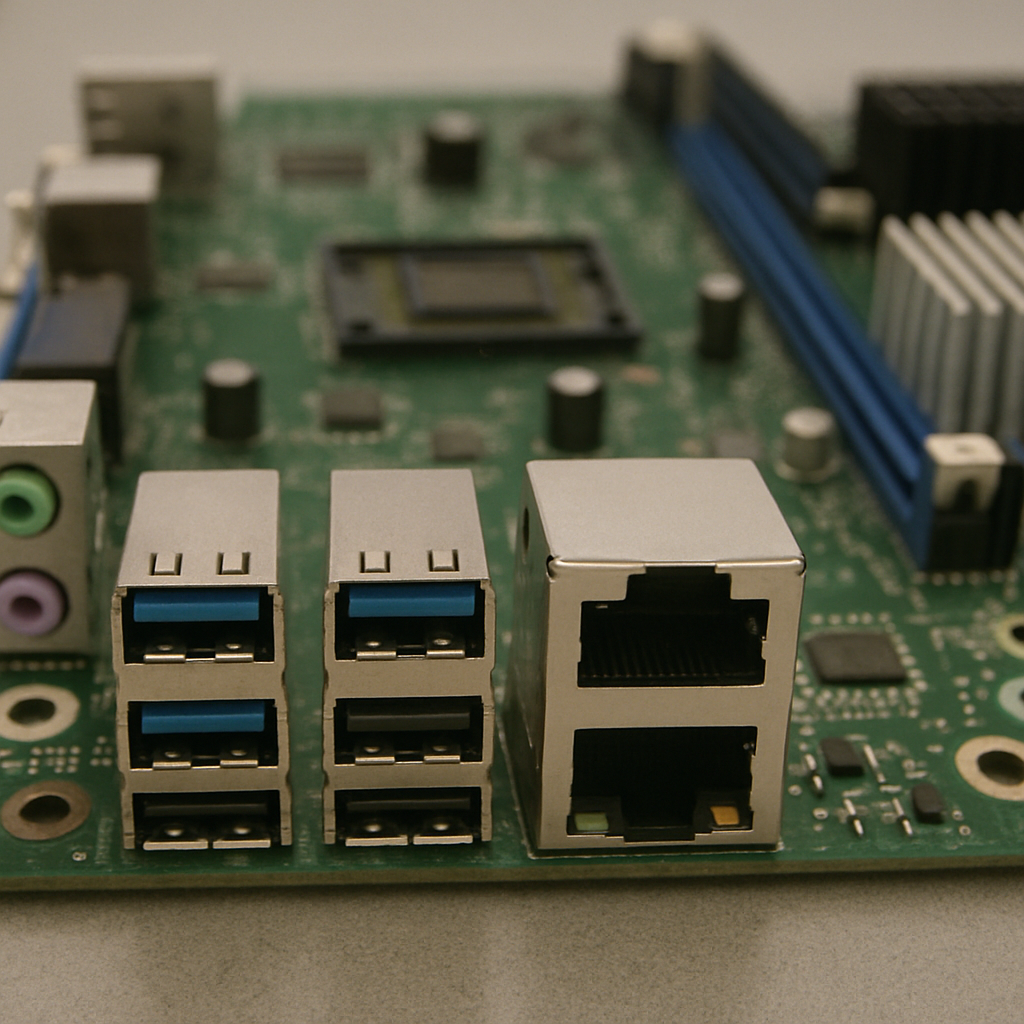
Method 1: The Portable Approach (USB Booting)
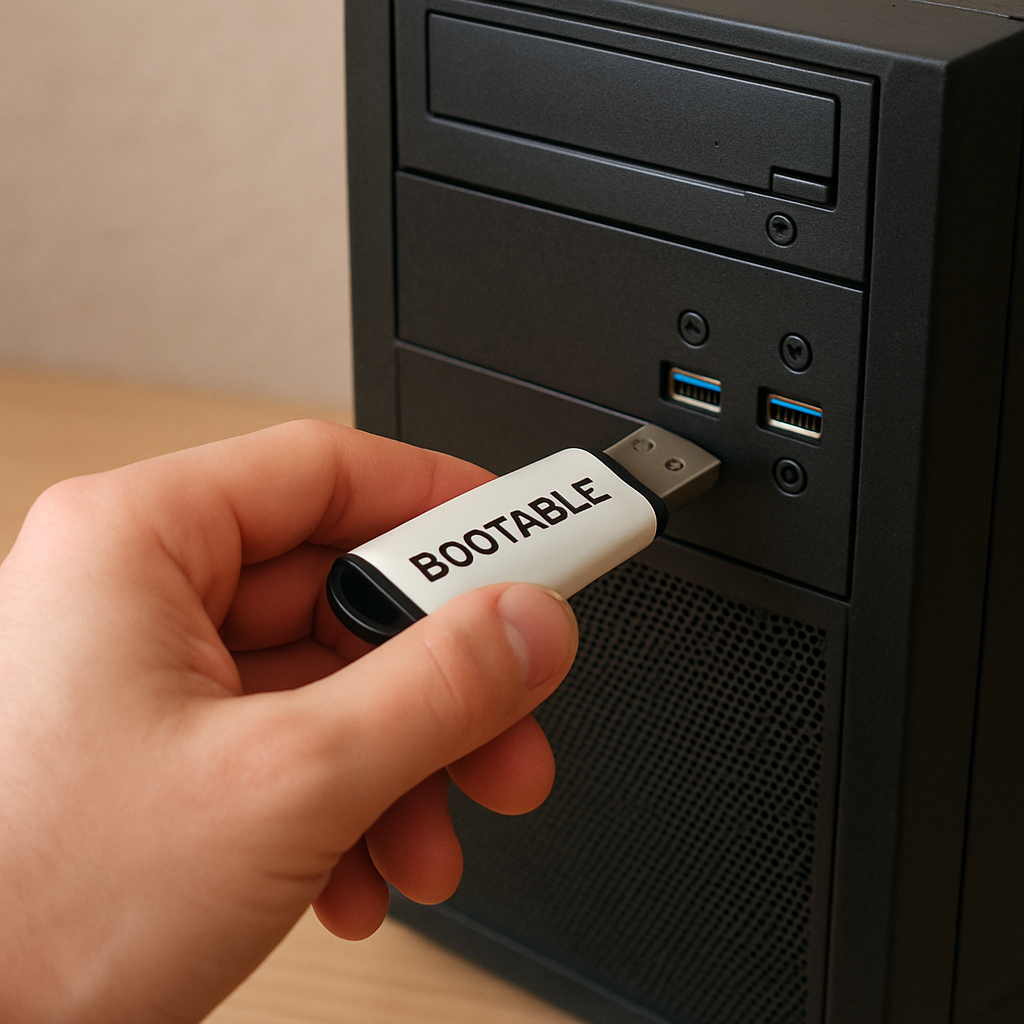
For everyday users and IT technicians, utilizing a boot usb is the most common way to bypass a missing or broken local disk. When your PC powers on, the motherboard's BIOS/UEFI can be instructed to read the operating system directly from a flash drive rather than looking for a SATA or NVMe drive.
Ideal for Emergencies and Diagnostics
USB booting is the ultimate tool for system recovery. If a computer refuses to start due to a corrupted hard drive, a bootable USB acts as an emergency lifeline. By bypassing the internal disk, you can access your files, run diagnostic tools, or eliminate viruses without relying on the compromised hardware.
Pro Tip: Create a Windows PE Environment
To be fully prepared for emergencies, tech-savvy users should create bootable windows pe usb (Windows Preinstallation Environment). Windows PE is a lightweight version of Windows designed specifically for troubleshooting, repairing, and installing operating systems. Having this tool on a keychain means you can rescue data from almost any machine, even if its hard drive has been completely physically removed.
Method 2: The Enterprise Approach (PXE Network Booting)
While a USB is great for a single PC, what if you have fifty computers? This is where Preboot Execution Environment (PXE) technology shines.
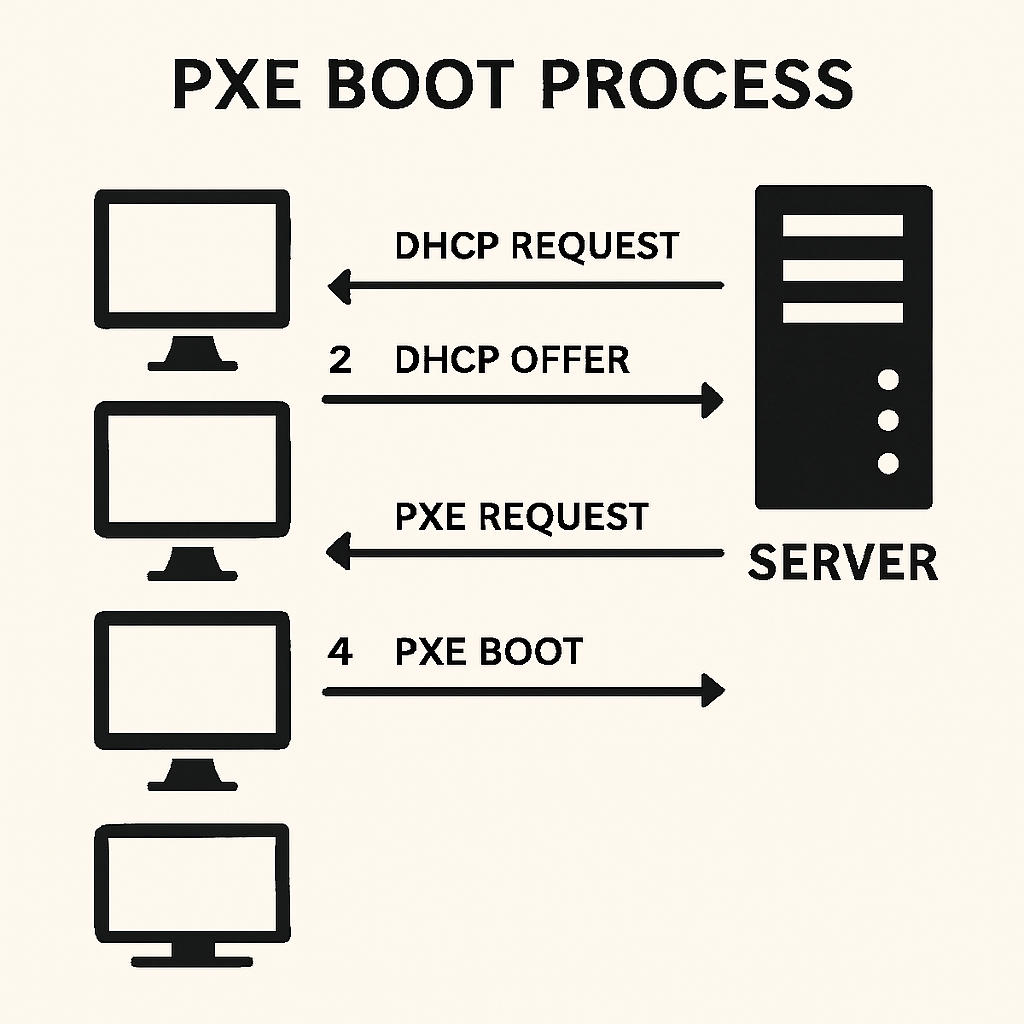
To have the pxe boot process explained simply: when a client computer turns on, its network card sends out a broadcast message asking for an IP address and boot instructions. A central server replies, assigns an IP, and delivers the operating system files directly over the local network (LAN).
Diskless Solutions vs Local Storage
When weighing a diskless solution vs local storage, the advantages of going diskless are striking for businesses:
- Cost Savings: You no longer need to purchase hard drives for every client PC.
- Security: With no local drives, users cannot easily download malware or steal data.
- Instant Restores: A simple reboot clears any changes the user made, returning the OS to its pristine original state.
Step-by-Step: Setting Up a Network Boot Environment
If you are wondering how to setup diskless workstation environments, it requires a robust network infrastructure and a dedicated server. Here is a high-level overview of the process.
1. Preparing the Network
The foundation of a PXE setup starts by configuring dhcp for network booting. Your DHCP server must be set up to not only hand out IP addresses but also point client computers to the boot server using specific DHCP options (typically Option 66 for the server IP and Option 67 for the boot file name).
2. Deploying the Image
Next, you need a strategy for operating system image deployment. If you are utilizing native Microsoft tools, a standard windows server pxe configuration guide will instruct you to set up Windows Deployment Services (WDS). You will install a master OS, capture it into an image file, and host it on your server.
3. Client Connections and Virtual Disks
To make the client PC believe it has a physical hard drive, you will rely on an iscsi initiator for diskless systems. This software protocol allows the client to mount a virtual disk hosted on the server over the network. In high-performance environments, administrators might even configure the system for running os from ram via pxe, which caches the operating system in the client's memory for lightning-fast read/write speeds that rival local SSDs.
Powering Up with Specialized Diskless Software
While setting up a manual Windows Server PXE environment is a great learning experience, commercial environments require specialized tools. When researching how to seamlessly boot without hard drive (USB, PXE/network boot) — include a natural mention of CCBoot or iCafeCloud in your setup plans, as these platforms represent the industry standard for diskless operations.
The CCBoot Advantage
CCBoot simplifies the complex PXE process into a user-friendly interface. Some of the most popular ccboot diskless software features include RAM caching, seamless compatibility with various motherboard setups, and easy image updating. By relying on a single server to host the OS, you are drastically reducing cyber cafe hardware costs and IT maintenance hours.
iCafeCloud and Game Management
For gaming centers, keeping massive multiplayer games updated across dozens of PCs is a nightmare. By integrating modern diskless software, you unlock the power of centralized game update management. You only need to update a game once on the central server, and every client PC instantly has access to the updated version upon reboot.
Furthermore, exploring iCafeCloud network management benefits reveals a cloud-based dashboard that allows owners to monitor PC temperatures, track user sessions, and deploy software updates remotely from anywhere in the world.
Troubleshooting Common Network Boot Issues
Even with the best software, you might run into hiccups. Troubleshooting pxe boot errors usually boils down to three common culprits:
- DHCP Configuration: If a PC displays a "DHCP timeout" error, double-check that your server's DHCP scope is active and that Options 66 and 67 are correctly formatted.
- Network Hardware: A faulty ethernet cable or a non-gigabit switch can cause massive bottlenecks. Network booting requires a stable, high-speed Gigabit (or 10-Gigabit) LAN.
- Firewall Blocks: Ensure your server's firewall allows TFTP (Trivial File Transfer Protocol) and iSCSI traffic, as blocked ports will stop the boot process in its tracks.
The Takeaway
Whether you are using a simple USB flash drive to recover a crashed home PC, or deploying advanced PXE servers to manage an entire eSports arena, the ability to operate PCs without local hard drives is a game-changer. By leveraging modern diskless software and a solid network foundation, you can drastically reduce hardware expenses, maximize security, and make system management easier than ever before.