

Internet Cafes, Schools, and Companies with Multiple PCs
are Saving Time and Money with CCBoot
Trusted by over 30,000 satisfied customers
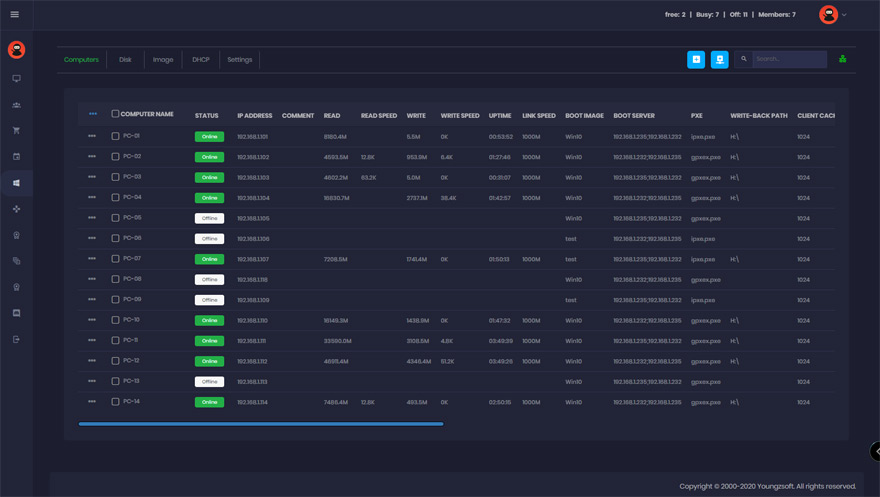
What Is CCBoot?
But, that’s not all…
You can update all of your PCs with a single click of your mouse, saving countless hours. Have a piece of software you want to deploy across ALL of your PCs? No problem… Simply install on your “master” computer, reboot the rest of the PCs, and voila! You’re done!
CCBoot makes managing multiple PCs fast and easy.
Who Needs CCBoot?
- Internet Cafes
- Schools
- Apartment Communities or Hotels with “Business Centers”
- Companies With Multiple Computers
If you have multiple computers, and you want to save time and money, and make your entire network more secure, CC Boot is for you.
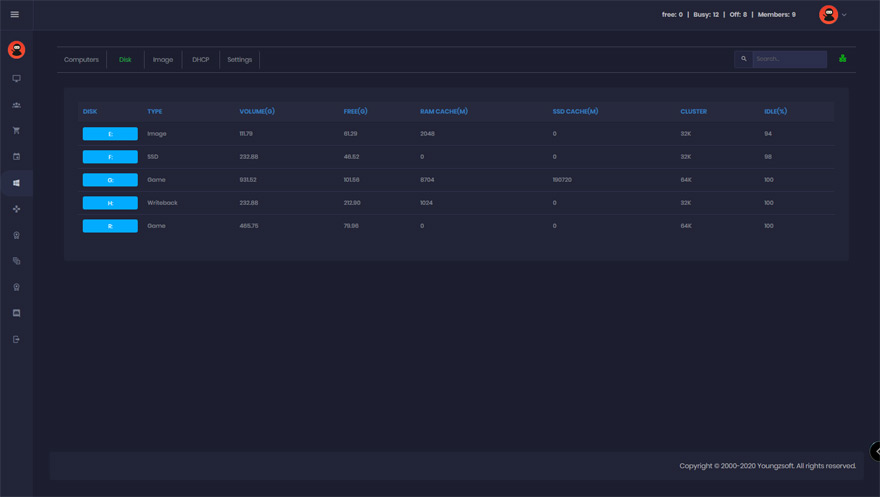
Why You Need CCBoot
Save Time
Install software or updates on your “master” computer, reboot the rest of your PCs, and you’re done… Install software and updates across hundreds of computers in MINUTES… not hours or days. ONE person can run your entire network of PCs with ease.
Save Money
CCBoot eliminates the need for a hard drive on a majority of your computers.
This can save you THOUSANDS of dollars…
Not to mention, time is money, and you’ll save a fortune with all the time you save when you use CCboot. Tasks that used to take hours, now take just minutes.
Make Your Network MORE Secure For Users
After every reboot, the system will be restored and completely wipe out ANY viruses, spyware, and Trojans. This means less downtime, and a much safer environment for your users.
Your Computers Run Faster
Spyware and registry errors often slow computers down, but all you have to do to restore a computer to its “like new” state is a simple reboot… No more complicated troubleshooting or software that doesn’t ever seem to work. Now a simple restart is all you need.
Success Stories
Look What Our Clients Are Saying About CCBoot
SEONGMUK COMPANY (Internet Cafe)
Seoul, South Korea

Taiwan Internet Cafe
Taipei, Taiwan
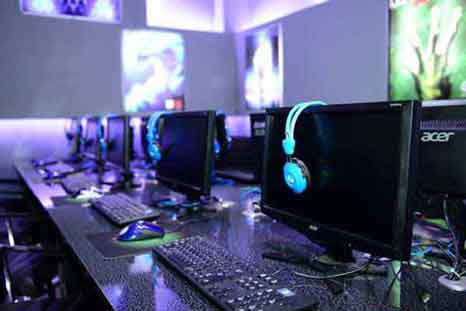
GATE LAN Gamin' Club (Internet Cafe)
Ulaanbaatar, Mongolia
